The information contained in this document is confidential, and only for the information of the intended recipient and may not be published or redistributed without the prior written consent of Summa NV.
Summa nv Tel +32 59 27 00 11 Fax +32 59 27 00 63 Email support@summa.com Website www.summa.com Page 24 of 76
In those cases, check the following:
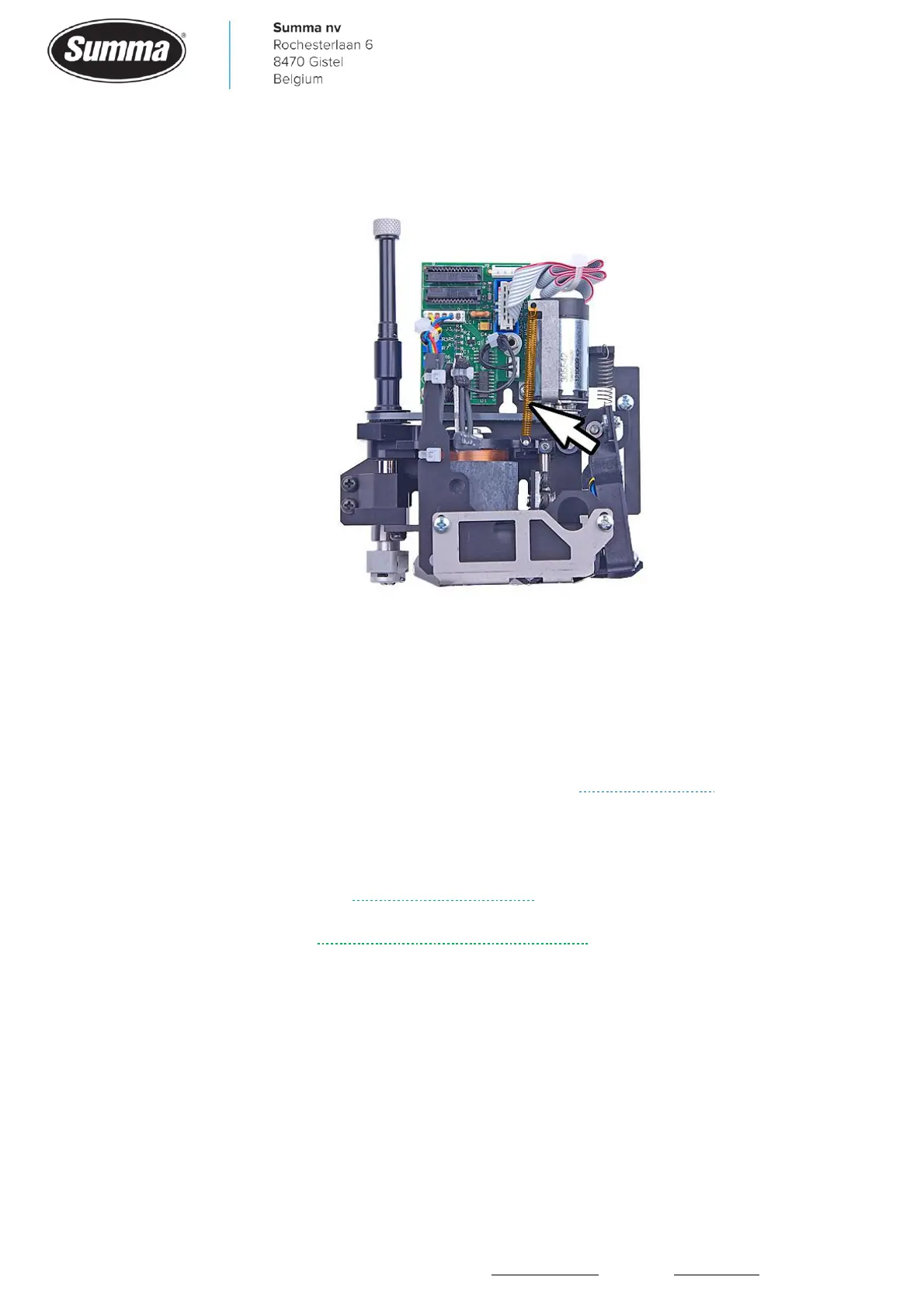
• The spring used to lift the knife when the machine is switched off is missing.
• There may be a metallic part on top of the base of the coil. This metallic part is then attracted
by the magnet, causing the knife to be lowered. Remove any metallic part from the coil.
4.9 Drive drum keeps spinning
When media is fed out of the machine, and the drive drum keeps spinning, then this may be
due to the main board stopping to work, and does not react to input signals: touch screen
does not work, touch screen blinks in different colors (see Flashing display), encoder signals
are no longer processed: cutter head may move slow, drive drum keeps spinning,…
This could be due to the following:
• A defect in the main board. Replace the main board.
• A bug in the firmware: update the firmware of the machine.
4.10 Random reloading media
When the machine randomly reloads media as if the pinch rollers were raised and lowered,
then this is usually because the pinch roller switch used to check the status of the pinch
rollers has a bad contact. Replace the pinch roller switch.









 To Next Page