The information contained in this document is confidential, and only for the information of the intended recipient and may not be published or redistributed without the prior written consent of Summa NV.
Summa nv Tel +32 59 27 00 11 Fax +32 59 27 00 63 Email support@summa.com Website www.summa.com Page 27 of 76
• The flat cable between the display and the main board may be defective: replace the flat cable.
• The display may be defective: replace the display.
• The main board may be defective. Replace the main board.
• The motor without encoder close to the display may generate interference: replace the motor.
• Firmware bug: update the firmware of the machine.
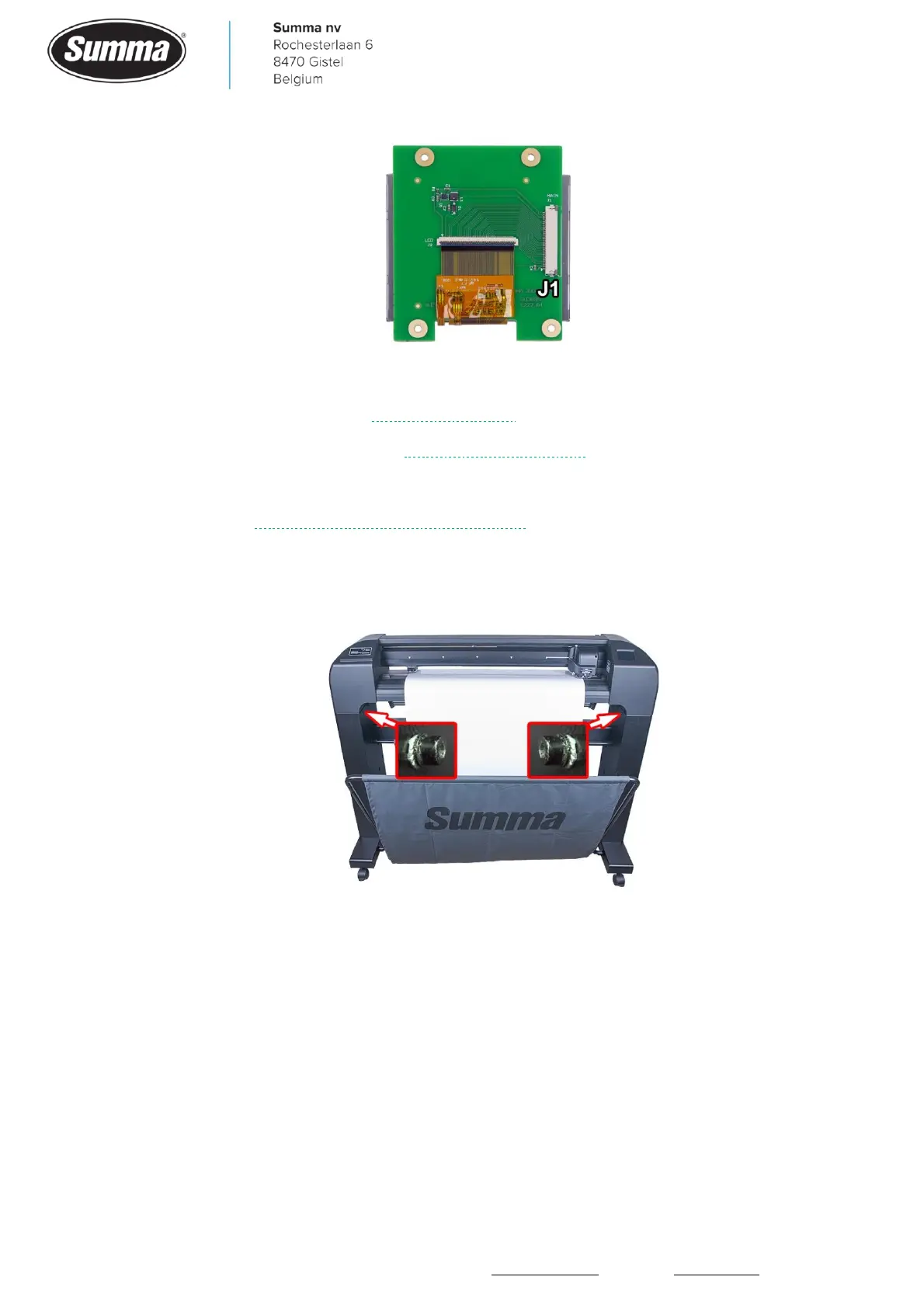
• Static electricity: make sure there is a good grounding to the power outlet. Check also the
special washers to be used correctly to mount the machine on the stand: the teeth of the
washer has to be towards the stand to penetrate the paint.
4.15 Display reacts incorrectly
All cutter activity can be initiated from the 320x240 dot color touch panel. The panel
displays information about the cutter’s current status and/or actions that need to be taken.
In case the buttons on the screen do not react correctly, it may be necessary to recalibrate
the screen: click [Settings] – [More] – [More] – [Calibrate touch screen]. Tick the 4 crosses
with a pen, then hit [Apply].









 To Next Page