The information contained in this document is confidential, and only for the information of the intended recipient and may not be published or redistributed without the prior written consent of Summa NV.
Summa nv Tel +32 59 27 00 11 Fax +32 59 27 00 63 Email support@summa.com Website www.summa.com Page 66 of 76
10 Diagnostics
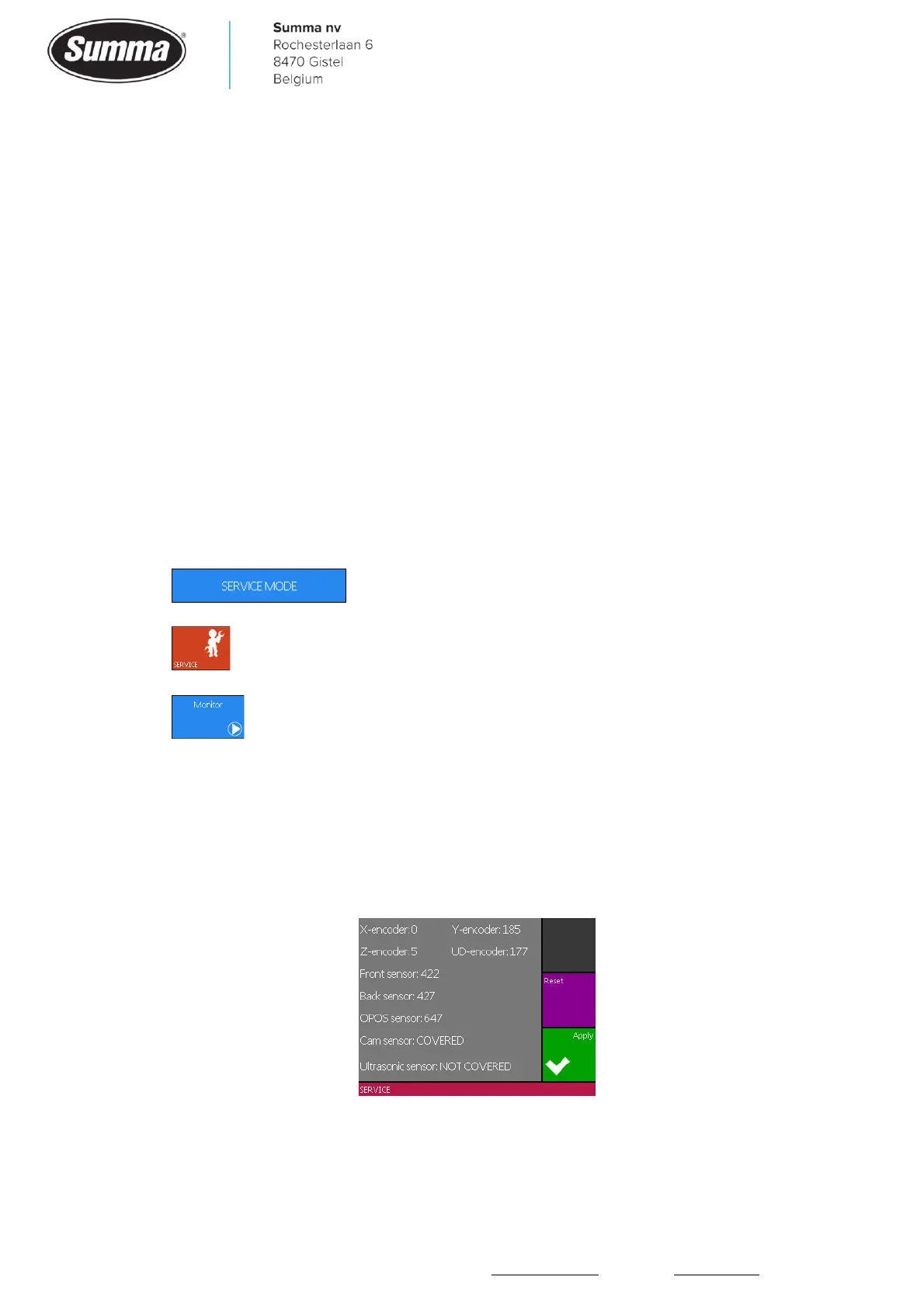
To do some diagnostic tests to find the cause of a problem, you may enter the “Monitor”
screen to verify the functionality of various sensors and encoders. The displayed values can
then help troubleshoot the machine. It may come in handy to have a multimeter and a First
Aid Kit at hand to repair the machine.
10.1 Procedure
To access this “Monitor” screen, the machine needs to be started in “Service Mode”. Follow
the next steps:
1. Remove all media completely from the machine.
2. Power on the cutter.
3. Touch and hold the upper left corner of the screen while the machine starts up and
displays the Summa logo.
4. Press .
5. Press .
6. Press .
When finished doing the diagnostics, restart the cutter to return to normal operations. When
the machine runs in Service Mode then it does not react as when in normal user mode:
media sensors are not used, the cutter head does not move to the right side on powering up
the cutter as long as media is not loaded, incorrect positioning of the pinch rollers is not
reported, …









 To Next Page