The information contained in this document is confidential, and only for the information of the intended recipient and may not be published or redistributed without the prior written consent of Summa NV.
Summa nv Tel +32 59 27 00 11 Fax +32 59 27 00 63 Email support@summa.com Website www.summa.com Page 48 of 76
• A defective cutter head: loose or defective bearings. Replace the cutter head.
6.10 Horizontal shift (Y axis)
When the machine starts cutting on the wrong place, or when curves are not closed or of
wrong size in the width (movement direction of the cutter head), then check the following:
• There may be tracking issues. See “Media transport issues”.
• The pulley on the Y-motor may be loose. Loose the setscrew to break the thread lock glue,
then tighten the screw again.
• The encoder on the motor may be defective. Replace the Y-motor.
• The connector of the encoder on the Y-motor may have a bad contact. Replace the Y-motor.
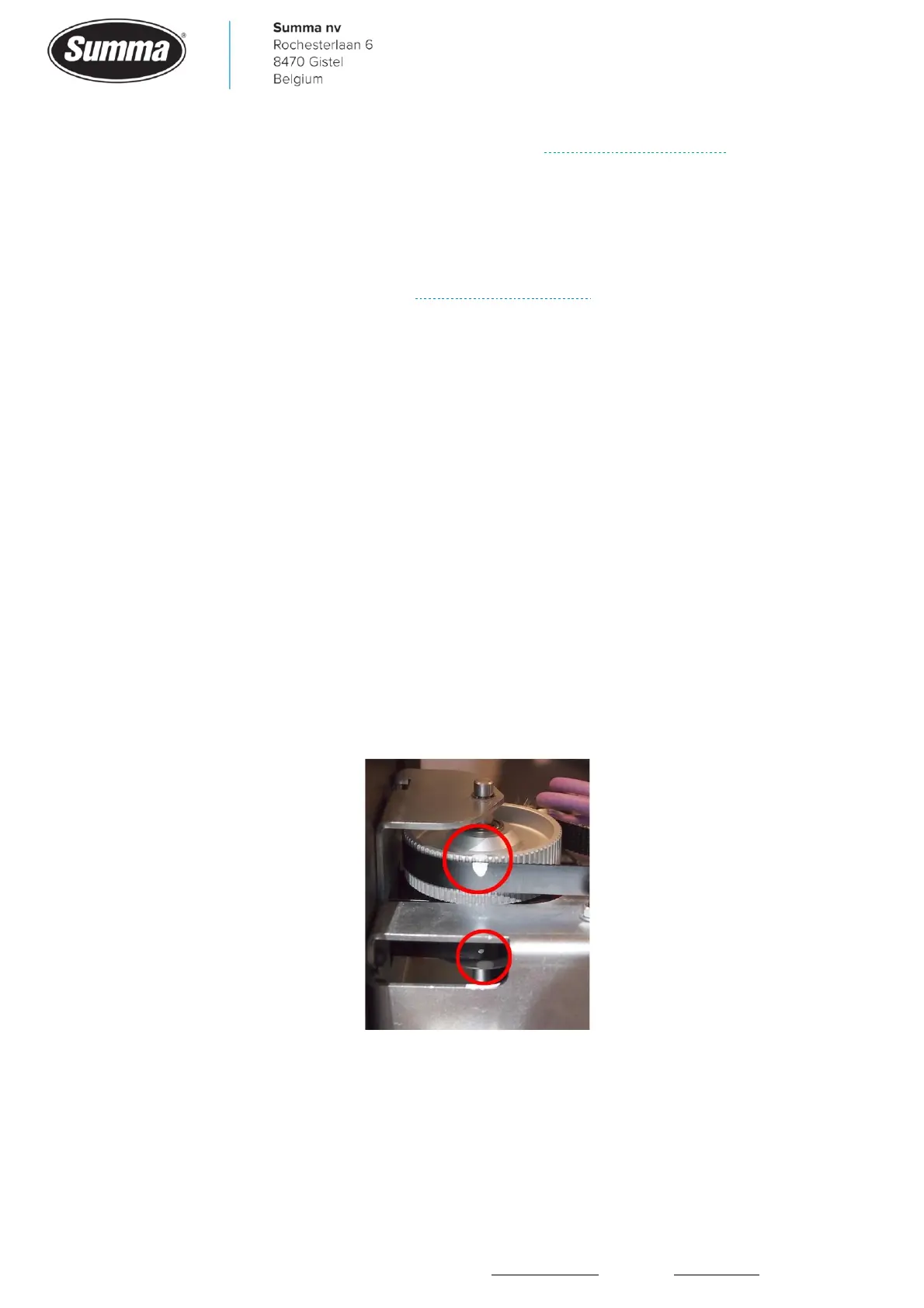
• The two parts of the double pulley are loose from each other: put a mark on both pulleys in a
line, and check for any shift after some jobs are cut.
• The Y-belts may be worn. They may look good, however worn belts have changed shape, and
due to this the teeth no longer grip in the grooves of the pulleys. This causes the belt to jump
over the teeth of the pulley. As a result a wrong position is detected. To check for a worn Y-
belt, move the cutter head completely to the right side until the cut off mechanism touches the
right side tab, then apply a mark on the double pulley and belts. Set the machine at highest
speed (1000 mm/s), then cut some DIN tests over the width of the machine (change origin,
then click [Actions] – [Cut tests] – [DIN A4 test]). Or run some customer jobs. When a shift is
suspected, move the cutter head to the full right side, and verify the dots on the belts and
pulleys to match.









 To Next Page