The information contained in this document is confidential, and only for the information of the intended recipient and may not be published or redistributed without the prior written consent of Summa NV.
Summa nv Tel +32 59 27 00 11 Fax +32 59 27 00 63 Email support@summa.com Website www.summa.com Page 34 of 76
5 Media transport issues
The media may not always run straight in the machine. As a result, there may be a shift
between the printed job and the contour (see also “Print & Cut shift”). Or the contours may
have open ends. Or the joints between panels may have a shift.
5.1 Using sheet media
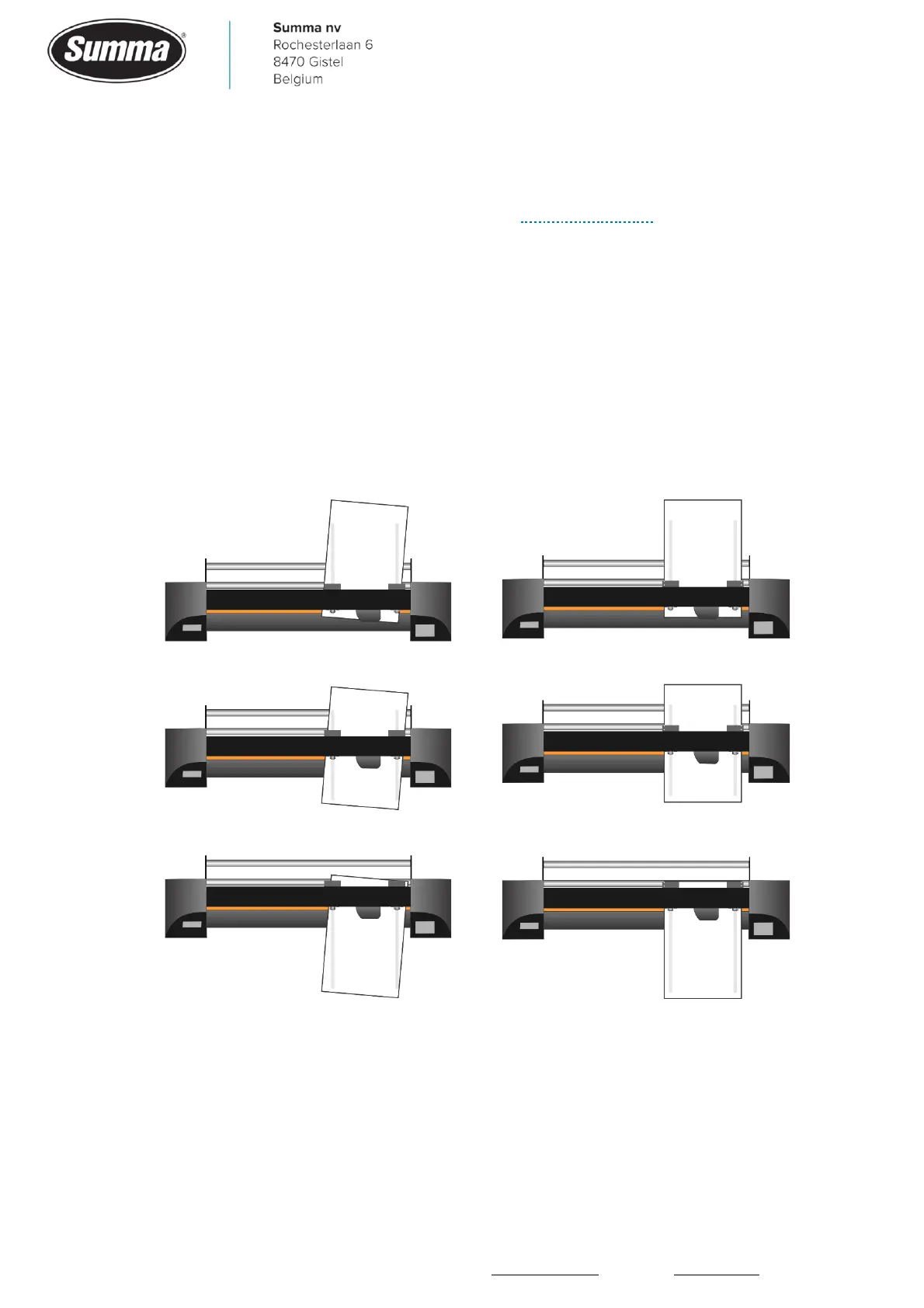
Sheet media can be loaded straight in the machine using the front and rear rulers.
• Media drops on the floor: check the media sensor settings [Settings] – [More] – [General] –
[Media sensor] and set to “ON” or “FRONT OFF”. Clean the sensor if necessary. Or probably
the machine was started in service mode, in which case the media sensors are not used.
• Media runs skew: load media straight in the machine. Use the rulers, or the front rim to load
the media straight in the machine.
5.2 Using roll media
Roll media should be loaded straight in the machine by pulling slightly at the front of the
media while lowering the pinch rollers.









 To Next Page