The information contained in this document is confidential, and only for the information of the intended recipient and may not be published or redistributed without the prior written consent of Summa NV.
Summa nv Tel +32 59 27 00 11 Fax +32 59 27 00 63 Email support@summa.com Website www.summa.com Page 72 of 76
2. Touch and hold the upper left corner of the screen while the machine starts up and
displays the Summa logo.
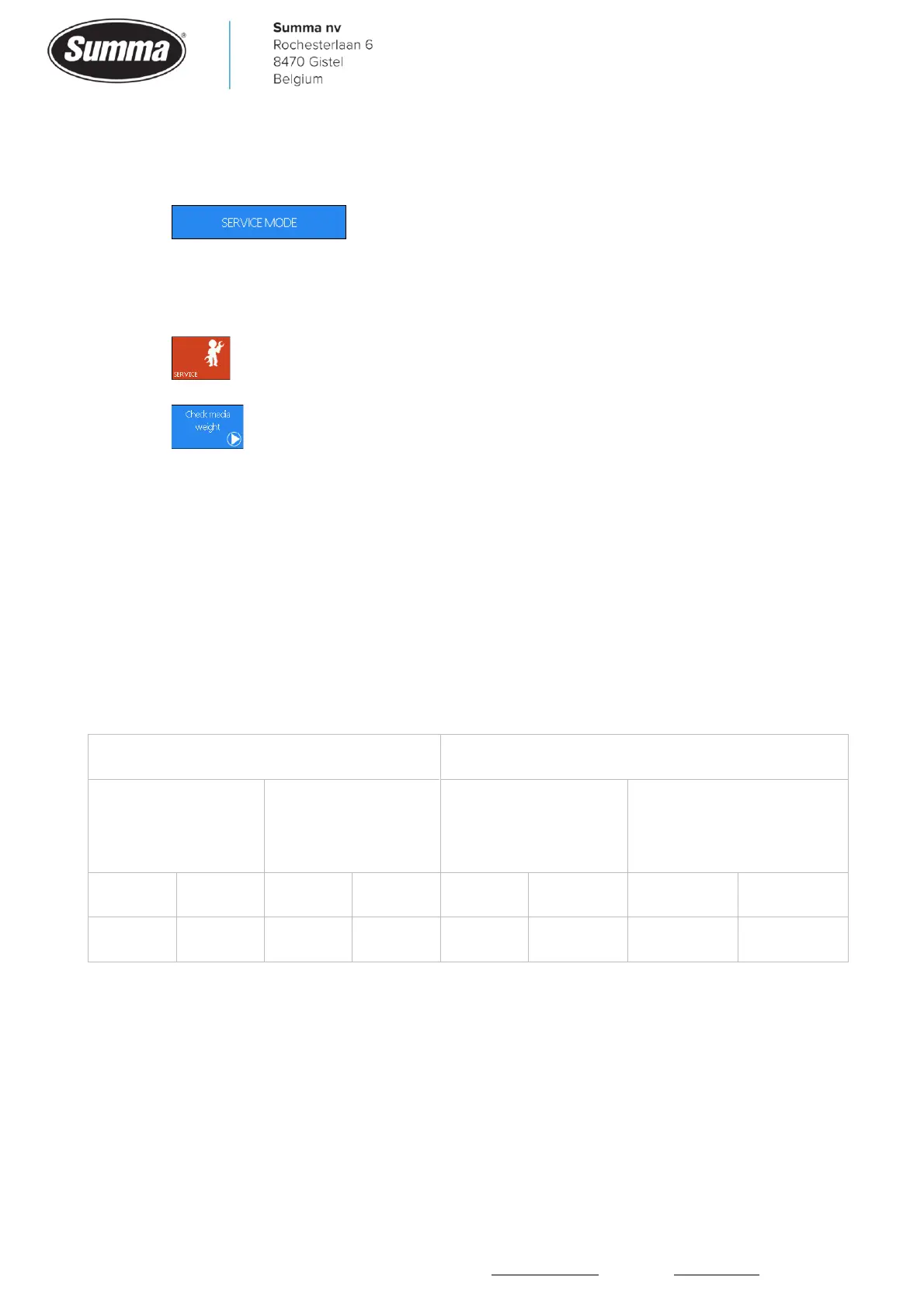
3. Press .
4. Lower the pinch rollers (the test can be run with or without media). The machine will
start the normal media load procedure.
5. Press .
6. Press .
The machine will shake the cutter head and the media. While doing this, the current needed
to feed the media is measured. This current will then be displayed, and indicates also the
maximum current which depends on the machine type.
Run the test twice, one time with both motors active, a second time with the motor without
encoder disconnected from the main board (disconnect J18, item 10). There should be a
difference for the value representing the current used to drive the media. Only possible on
models 120, 140 and 160.
Average values:









 To Next Page