Troubleshooting Overview 2-3
2
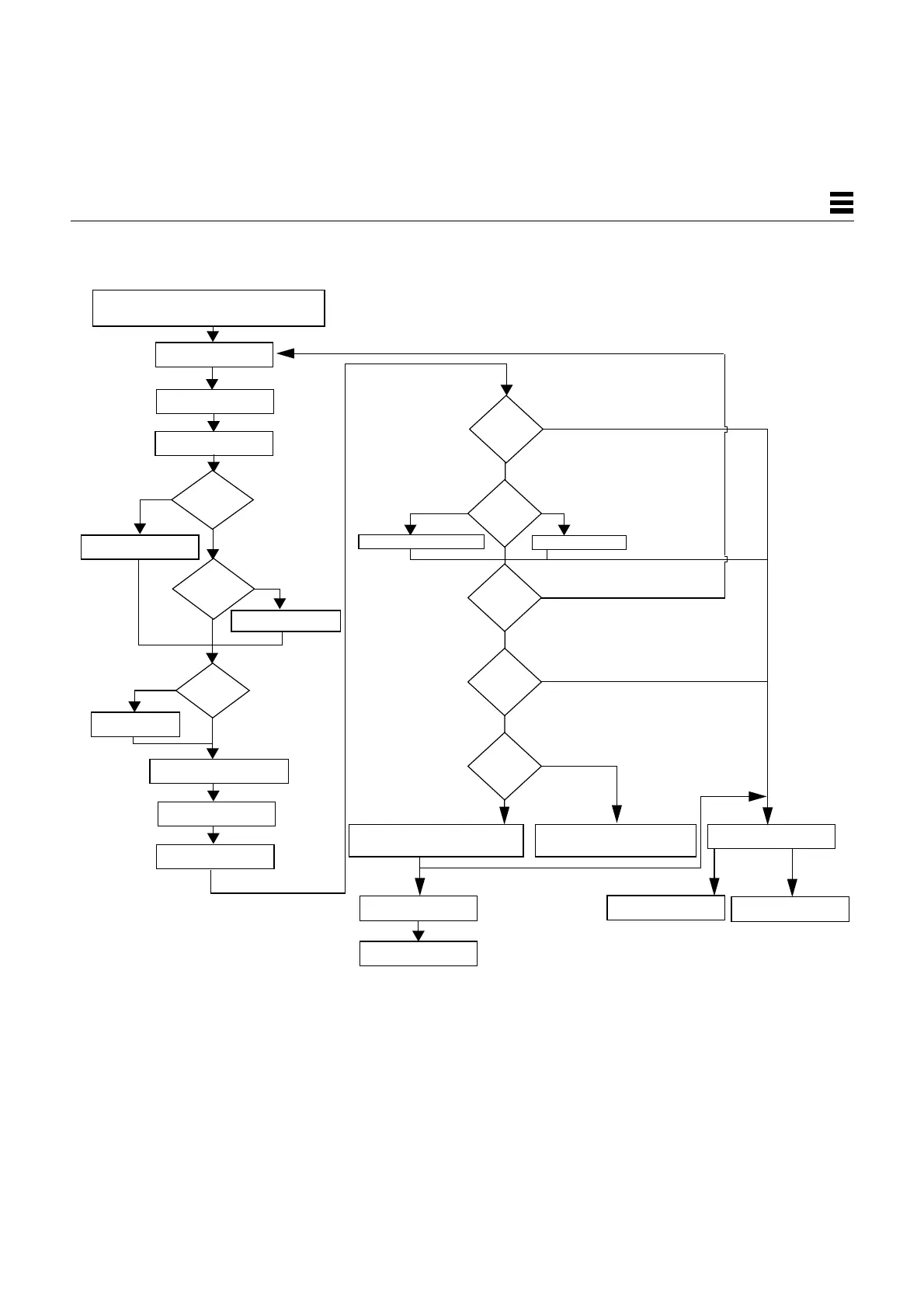
Figure 2-2 Factory-Defined Boot Sequence—OpenBoot PROM Phase Settings
and Tests
Probe SBus devices and
interpret their drivers
use-
nvramrc?
After POST phase,
true
Evaluate the
script
Install console
System banner
displayed on screen
true
Yes
Tests all memory
false
true
true
true
false
false
Booting from diag-device=net
Booting from boot-dev=disk
Normal
operating system
SunDiag System
Exerciser
Press Stop-a to go to ok prompt
ok prompt
Boot <boot-device>
On-board
<boot-file>
diagnostics
false
OpenBoot PROM firmware takes control
false
System initialization
Stop-a
keys
pressed?
diag-
switch?
No
mfg-
switch?
auto-
boot?
diag-
switch?
to go to ok prompt
Press Stop-a
and diag-file
and boot-file
Tests selftest-#megs
Probe memory
Probe CPU
Yes
No
No
Yes
Set diag-switch?
Stop-n
keys
pressed?
pressed?
Stop-d
keys
OpenBoot PROM Phase
Setting nvram defaults














 To Next Page