18. ELECTRICAL SYSTEM
18-18
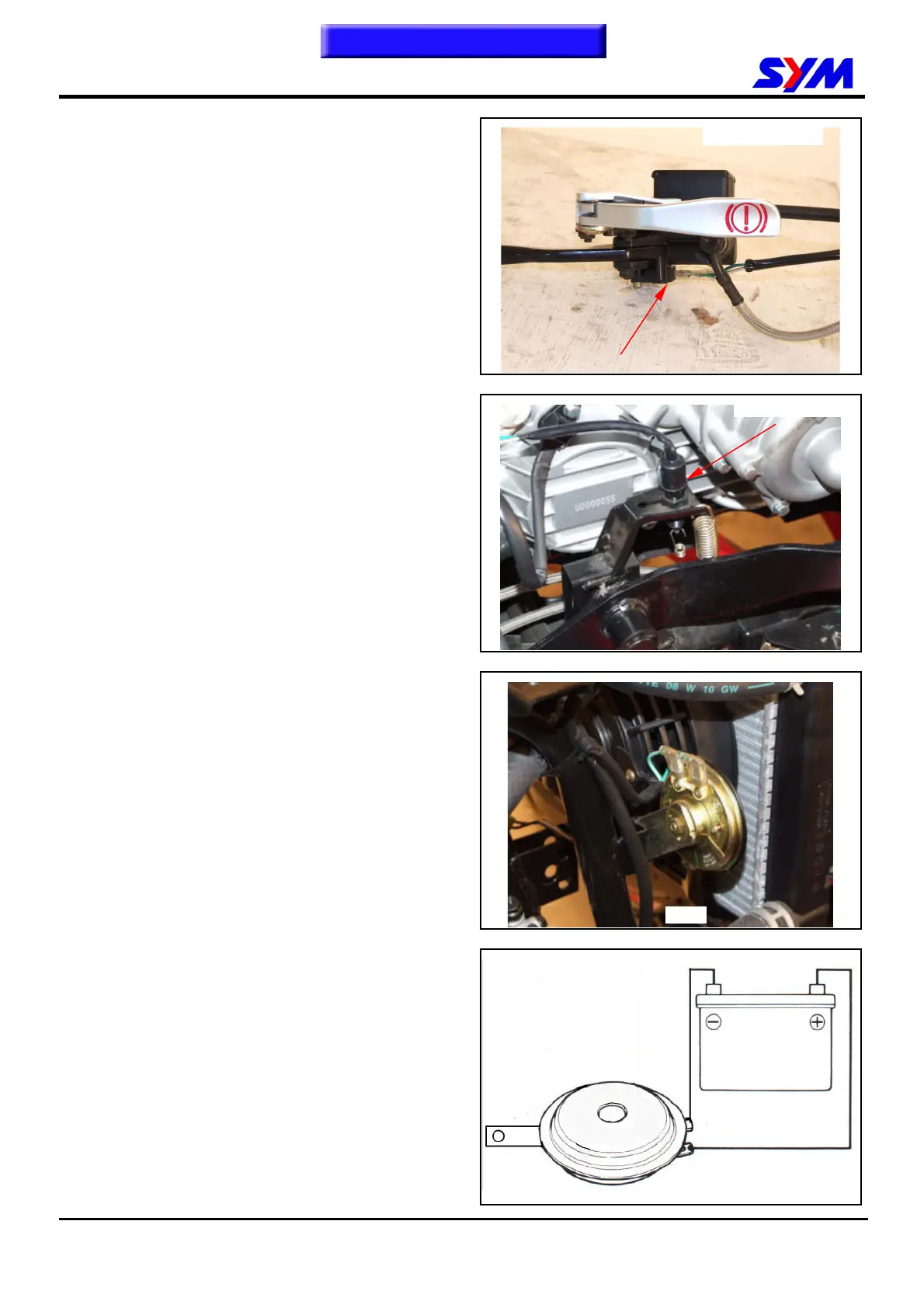
Front Brake Switch
While grasp the brake lever firmly, the terminals of
brown/blue and green/yellow of the brake should
have continuity.
Replace the switch if damaged.
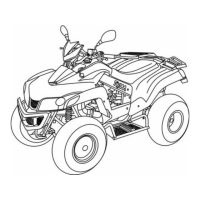
Rear Brake Switch
While grasp the brake lever firmly, the terminals of
white/black and green/yellow of the brake should
have continuity.
Replace the switch if damaged.
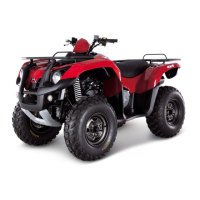
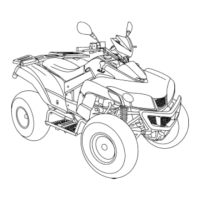
Horn
Remove the horn from front fender right side.
Apply 12 V power source to two terminals of the
horn, the horn should sound.
Replace the horn if necessary.
To this chapter contents
Brake light switch
Brake light switch
1 bolt



 To Next Page