RUN EXCITE: Service & Maintenance Manual - rev. 1.5
Page 6.44
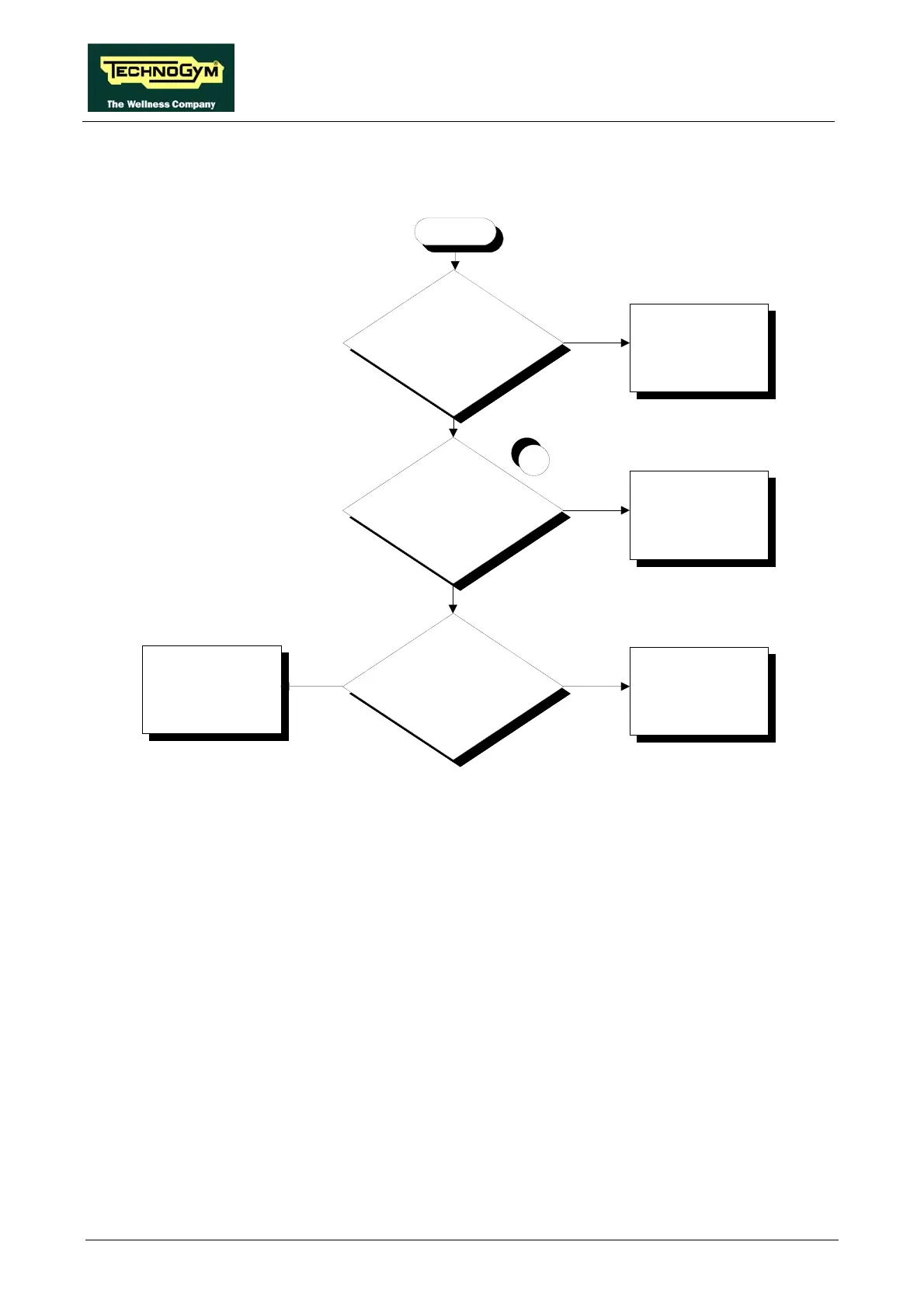
6.12.6. THE INVERTER DISPLAY SHOWS OLR
These inverter message indicate problems with the braking resistor.
NO
Reinstate the connection
YES
Is the braking resistor correctly
connected to the inverter?
Is the v alue of the braking
resistance correct?
Replace the braking
resistor
1
YES
Does the machine resume
correct operation af ter being
switched off for 1 minute?
YES
Possible disturbance. The
machine is OK
Replace the inverter
NO
NO
OLr
Follow the procedure step by step to correctly diagnose the problem. Take particular care with the
checks highlighted by circled numbers, which are described in detail below:
(1) With the machine switched off, disconnect one terminal of the resistor from the inverter
terminal block and place the tester probe across its terminals. The measured value of the
resistance should be 150 Ohm.









 To Next Page