RUN EXCITE: Service & Maintenance Manual - rev. 1.5
9.3.7.2. Config. registers
This function displays the parameter values of type F, P and H. To access this menu, when the LED
display shows:
ADDRESS: X
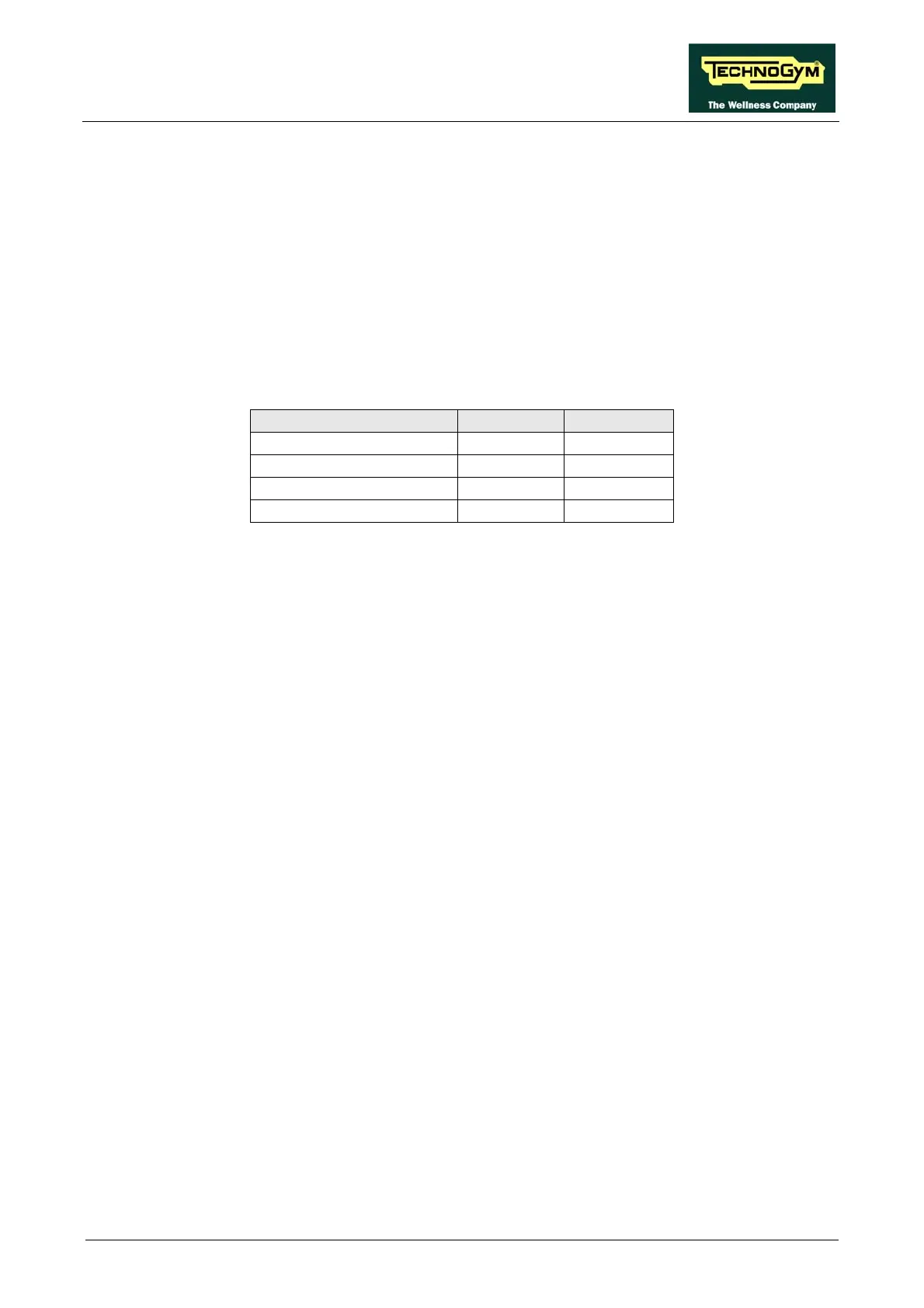
here X is the address identifying an inverter parameter, as detailed in the tables below:
CONFIG REGISTERS
press ENTER, the following message appears:
w
Drive Parameter Menu address mode
D00-D35 1000-1035 ead only R
F0 Read-Write 0-F08 3000-3008
P0 5000-5120 Read-Write 0-P120
H00 Read-Write 7000
Press ENTER to change the address and select a different parameter, or press + t e vo read th alue of
the currently selected parameter, the following message will appear:
age will appear:
WRITE TO LOW KIT ?
press ENTER to confirm writing the changes to the low kit; at the end of this operation the
following message reappears:
R for a few seconds.
9.3.7.3. Config. coils
This function displays the parameter values of type b and S. To access this menu, when the LED
display shows:
CONFIG. COILS
press ENTER, the following message appears:
ADDRESS: X
READ FROM LOW KIT ?
ress ENTER to load the parameter value, the following messp
VALUE: Y
press ENTER to begin editing the parameter value. When finished, press + and the following
essage will appear: m
ADDRESS: X
o return to the upper menu level press CLEAT
Page 9.23









 To Next Page