RUN EXCITE: Service & Maintenance Manual - rev. 1.5
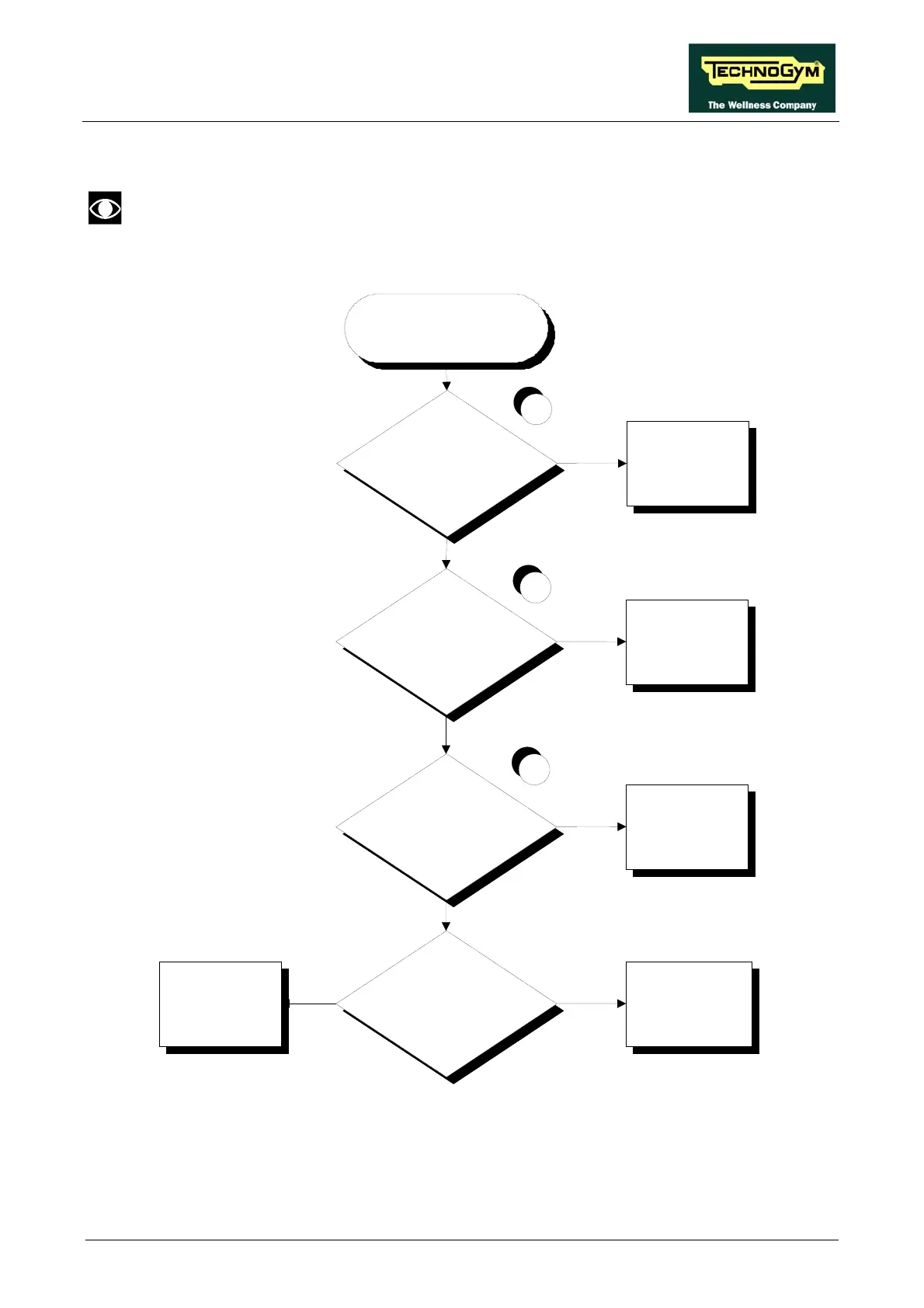
6.7. NO TV PICTURE
Check that the machine is connected to an antenna signal
This error can be due to incorrect machine configuration, or to problems with the antenna signal.
Is the TV standard correctly
conf igured?
Try replacing the CPU.
Does it work?
Correctly configure the
"TV Standard"
parameter
Defective CPU board
NO
NO
NO TV PICTURE
YES
3
The signal deriv ed f rom
the video signal is
insufficient. Contact the
system administrator
NO
Disconnect the splitter and
connect the tuner directly to an
antenna cable. Does it work?
Replace the splitter
YES
YES
2
Is the antenna cable properly
connected to the connector
board?
Connect the cable
NO
1
YES
Follow the procedure step by step to correctly diagnose the problem. Take particular care with the
checks highlighted by circled numbers, which are described in detail below:
Page 6.23









 To Next Page