7 Maintaining the product
136 0970 4020 en 01 testo AG
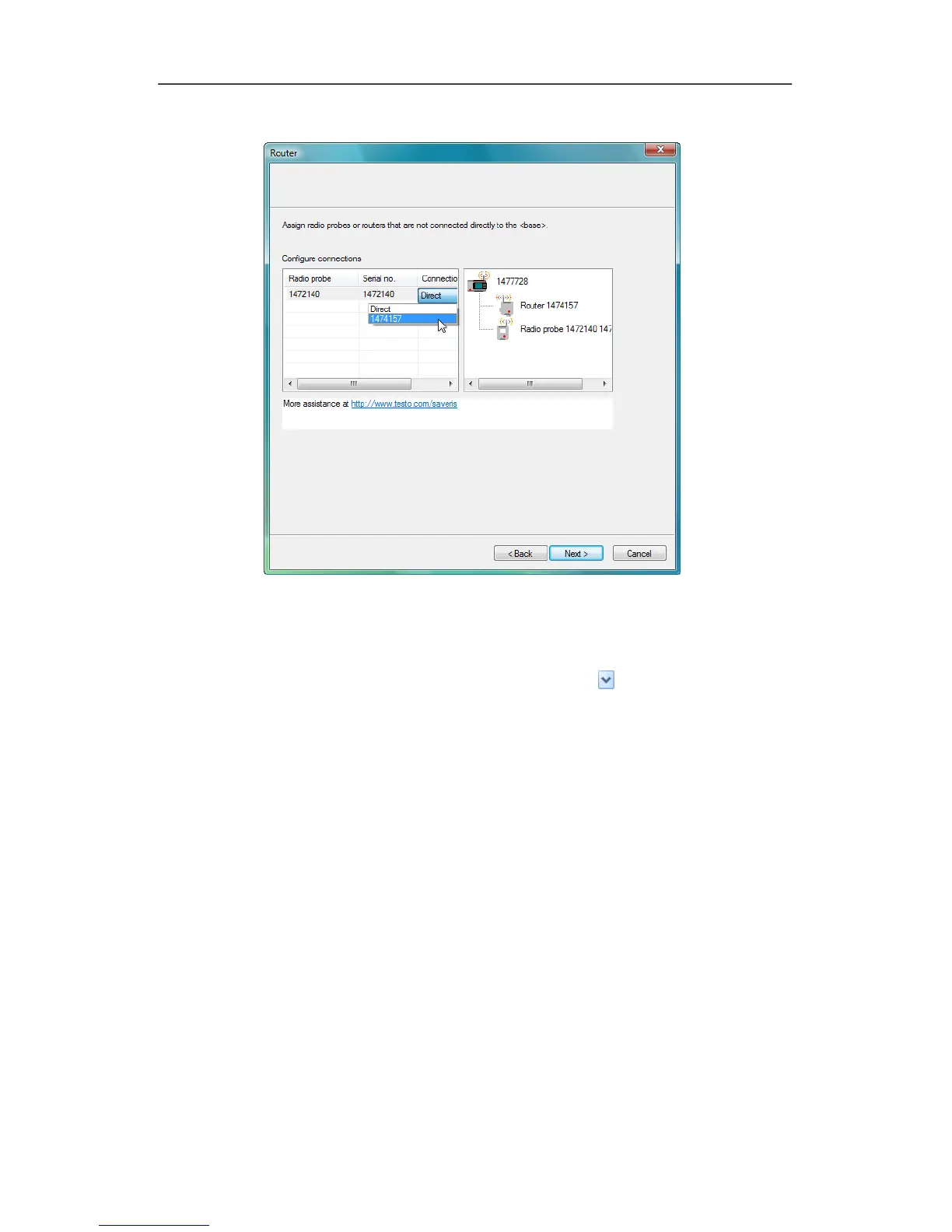
11. Click in the Connection type cell of the probe which is to be
assigned to a router.
- The cell is shown as a selection list.
12. Open the selection list via the button and select the router
to which the probe is to be assigned.
13. Perform steps 11 and 12 for all remaining probes whose
measurement data is to be transmitted to the Saveris base
via a router.
14. Click on
[Continue >].
- The wizard is shown with the setting for the start of
measurement and the list of the newly registered probes.







 To Next Page