17. SETTING-OUT ARC
112
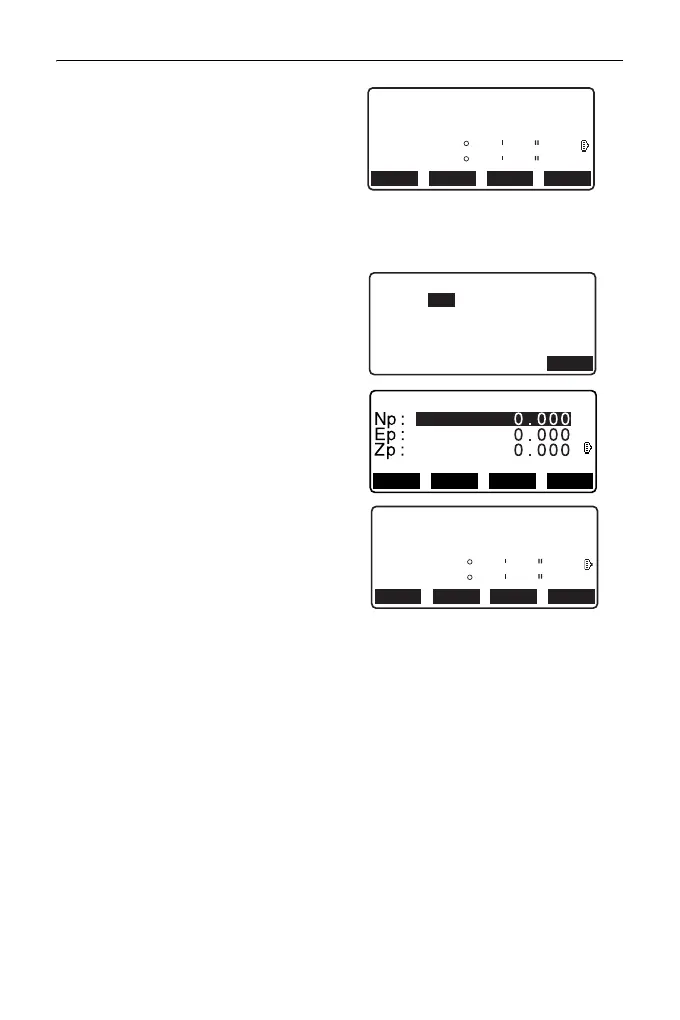
5. Press [OK] to use the
measurement results of the From
point.
•Press [MEAS] to observe the first
point again.
•Press [HT] to input instrument
and target height.
6. Press {}/{} to select
coordinates then press [OK].
7. Sight the To/Center/Intersect point
and press [MEAS].
8. Press [OK] to use the
measurement results of the To/
Center/Intersect point.
•Press [MEAS] to observe the
second point again.
•Press [HT] to input instrument
and target height.
•When entering multiple points,
[NEXT] is displayed instead of
[OK]. Press [NEXT] to observe
the next point.
HT
12.122
113.464
91.088
C
Np:
Ep:
Zp:
REC
ZA
HA-R
90
120
00
10
00
00
REC HT MEAS OK
Select Pt.
OK
T o
HT
12.122
113.464
91.088
C
Np:
Ep:
Zp:
REC
ZA
HA-R
90
120
00
10
00
00
REC HT MEAS OK



 To Next Page