119
18. POINT PROJECTION
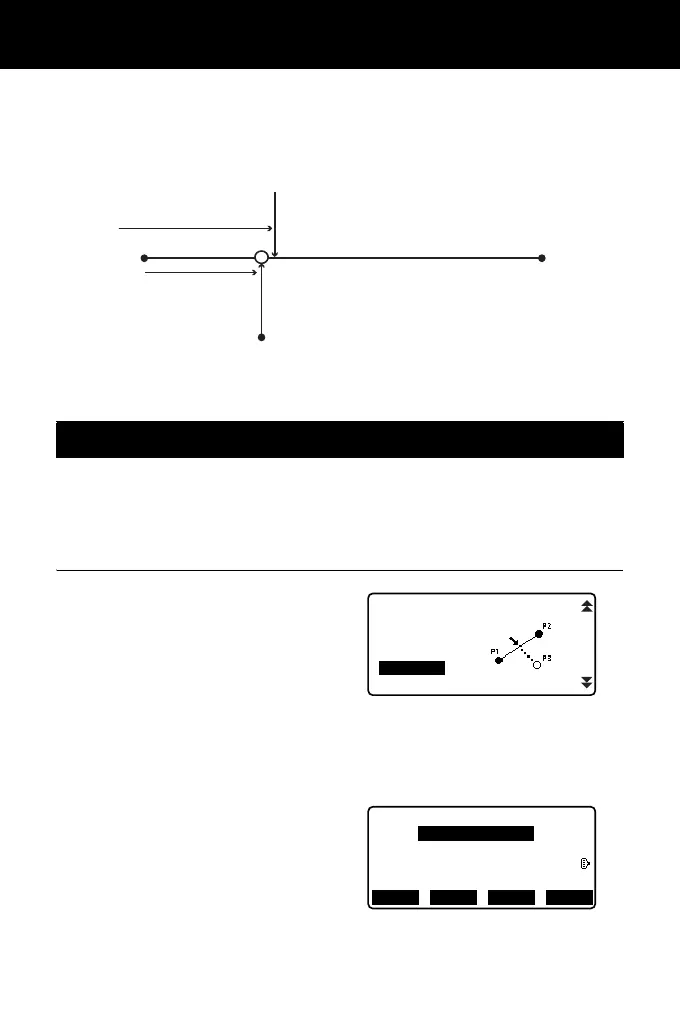
Point projection is used for projecting a point onto the baseline. The point to
project can be either measured or input. Displays the distances from the first point
and point to project to the position at which a line extending from point to project
intersects the baseline at right angles.
• Defined baseline can be used in both setting-out line measurement and point
projection.
PROCEDURE
1. In the second page of OBS mode
screen, press [MENU], then select
"P-Project".
2. Enter the instrument station data
then define the baseline.
"16.1 Defining Baseline" step
2 to 12
3. Press [OK] to define the baseline.
<Point projection> is displayed.
Move to point projection
measurement.
"18.2 Point Projection"
18.1 Defining Baseline
Y direction
X direction
1st Pt.
Length
Offset
Point to project
Baseline
2nd Pt.
REM
Area calc.
S-O Line
S-O Arc
PT to line
P-Project
Point projection
Np:
Ep:
Zp:
12.152
103.514
101.423
RECLOAD MEAS OK



 To Next Page