32. USING USB MEMORY DEVICE
250
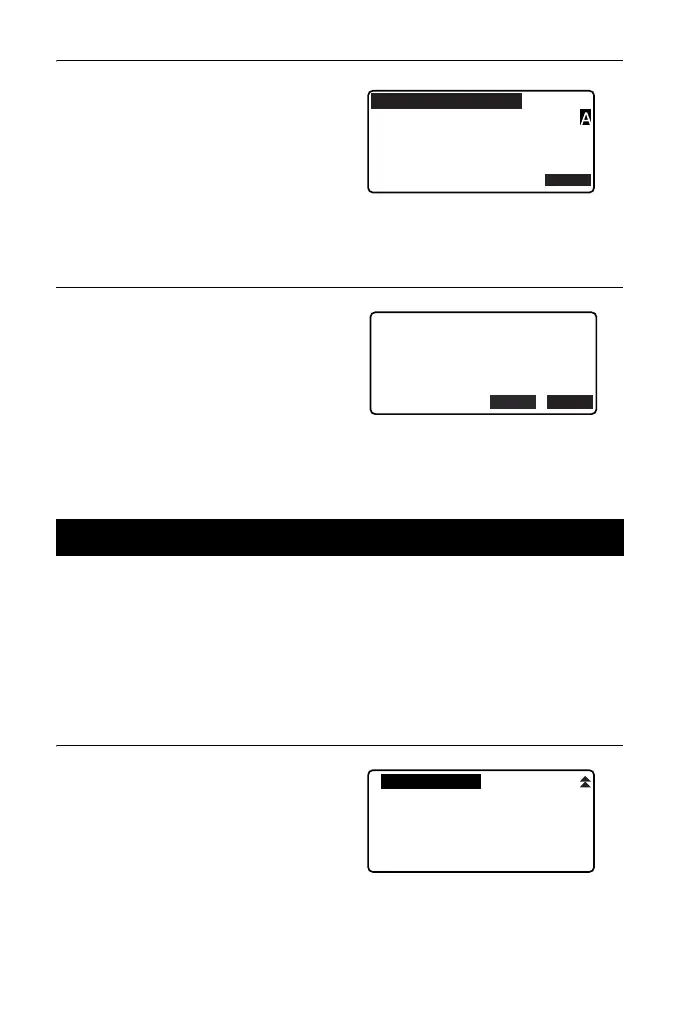
2. Press [EDIT] and enter a new file
name. Press [OK] to enter the
new file name. The edited file
name is displayed on the screen.
Entering extension name:
" PROCEDURE Data saving
step5"
PROCEDURE Deleting a File
1. Follow steps 1 to 2 in
“PROCEDURE Editing the File
Name” until the screen shown at
right is displayed.
2. Press [DEL]. Press [YES]. The
file is deleted and the screen
returns to the file list.
By selecting "Quick format", the USB memory device can be formatted.
• All data in the USB memory device including hidden files is deleted.
• To initialize using a PC, select "FAT" or "FAT 32" in "File System".
PROCEDURE
1. Select "Quick format" in USB
mode.
32.6 Formatting the Selected External Memory Media
OK
ABCDE
5354byte
Format
:SDR33
3.4GB / 3.8GB
.SDR
Jan/01/2012
17:02
EDIT
DEL
ABCDE
5354byte
Format
:SDR33
3.4GB / 3.8GB
SDR
Jan/01/2012
17:02



 To Next Page