57
12. DISTANCE MEASUREMENT
3. Press [STOP] to quit distance
measurement.
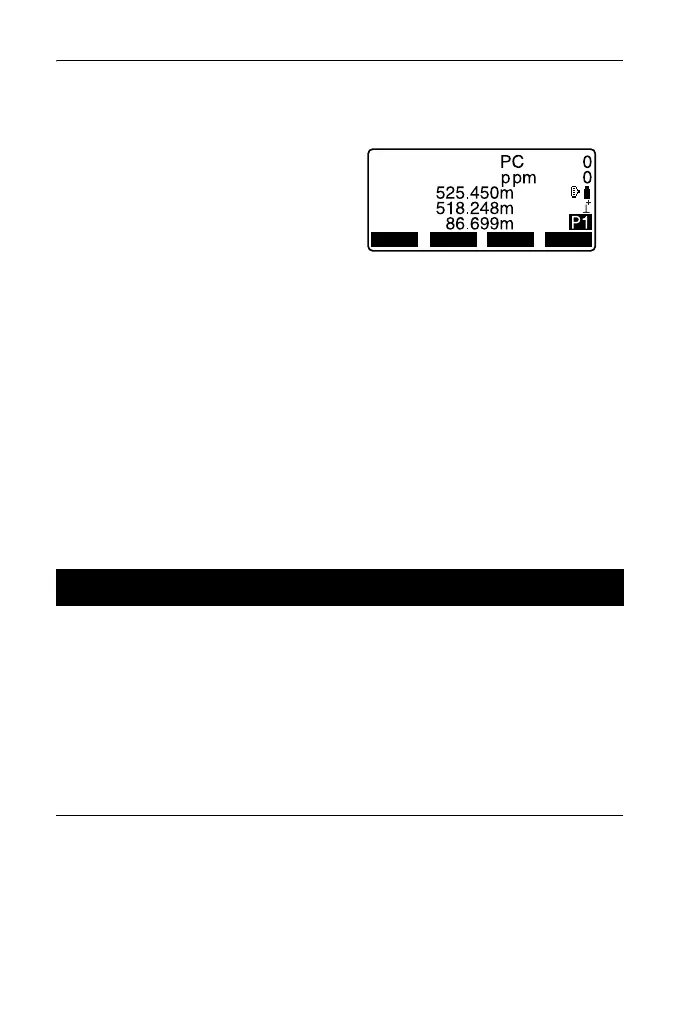
•Each time [SHV] is pressed, SD
(Slope distance), HD (Horizontal
distance) and VD (Height
difference) are displayed
alternately.
• If the single measurement mode is selected, measurement automatically stops
after a single measurement.
• During fine average measurement, the distance data is displayed as S-1, S-2,
... to S-9. When the designated number of measurements has been completed,
the average value of the distance is displayed in the [S-A] line.
• The distance and angle that are most recently measured remain stored in the
memory until the power is off and can be displayed at any time.
"12.3 Recalling the Measured Data"
• If the tracking measurement is conducted with the target type "reflectorless", the
measured data for a distance exceeding 250m is not displayed.
The distance and angle that are most recently measured remain stored in the
memory until the power is off and can be displayed at any time.
The distance measurement value, vertical angle, horizontal angle, and the
coordinates can be displayed. Distance measurement values converted into the
horizontal distance, elevation difference, and the slope distance can also be
displayed.
PROCEDURE
1. Allocate the [CALL] softkey to the
OBS mode screen.
"33.3 Allocating Key Functions"
12.3 Recalling the Measured Data
OBS
SD
HD
VD
SHVMEAS 0SET
COORD



 To Next Page