10. CONNECTING TO EXTERNAL DEVICES
46
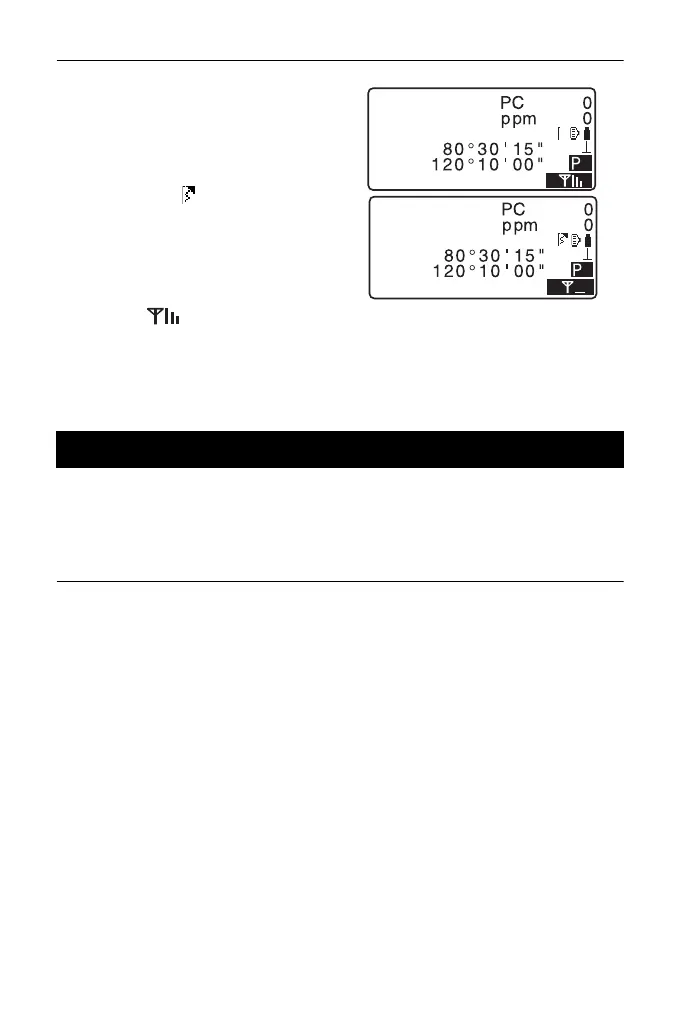
2. Returning to Obs Mode, the ES
starts searching the device
selected in "Link" and establishes
a connection. When connection
has been established, Bluetooth
symbol turns (lit).
The Bluetooth icon:
"5.2 Display Functions"
3. Press [] in the fourth page
of OBS mode screen to terminate
the connection.
Data collectors can also be set as companion devices for wireless communication
and can be used to initiate measurement.
PROCEDURE Performing measurement using a data collector
1. Complete the necessary settings
for Bluetooth communication.
"10.1 Necessary settings for
Bluetooth communication"
2. Verify the current connection
status by checking the Bluetooth
icon in the OBS mode screen.
"10.2 Establishing a
connection between the ES
and paired Bluetooth device"
3. Initiate measurement using your
Bluetooth device (e.g. a data
collector). ES will respond and
measurement will start. Measured
values are then displayed in the
OBS mode screen.
10.3 Measurement using Bluetooth communication
4
SD
ZA
HA-R
OBS
4
SD
ZA
HA-R
OBS



 To Next Page