252
33. CHANGING THE SETTINGS
This section explains the contents of parameter settings, how to change settings
and how to perform initialization. Each item can be changed to meet your
measurement requirements.
The following explains the Config Mode.
Observation Condition
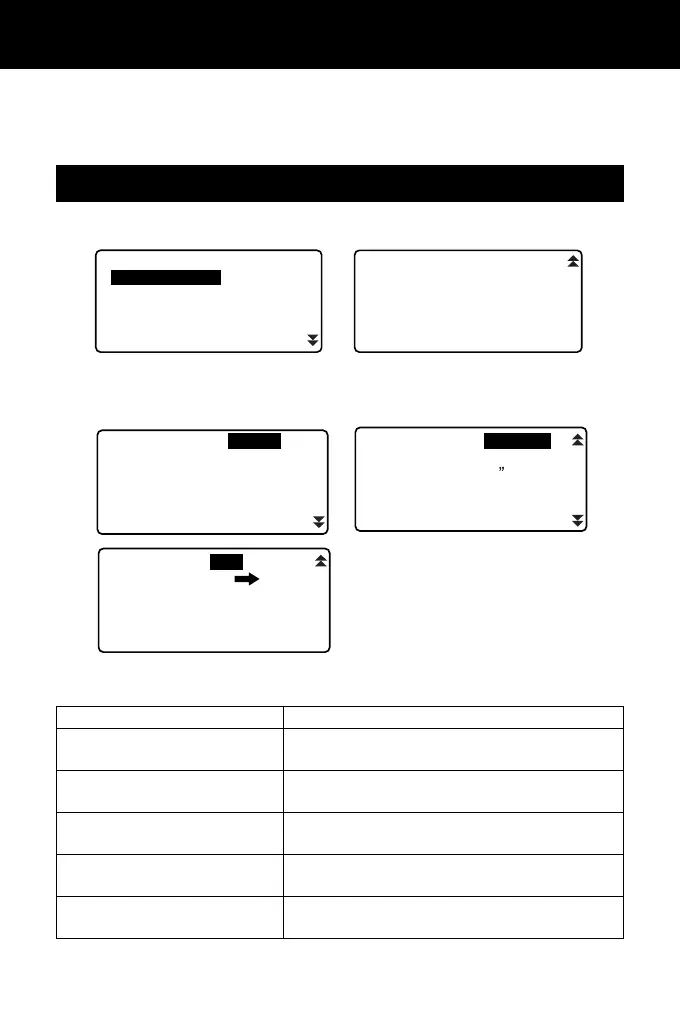
Select “Obs. condition” in Config mode
Items set and options (*: Factory setting)
33.1 Configuration -Config Mode-
Dist mode Sdist*, Hdist, Vdist
H Dist (Horizontal distance
display method
)
Ground*, Grid
Tilt crn (Tilt angle compensa-
tion)
Yes(H,V)*, Yes (V), No
coll. crn (Collimation
correction)
Yes*, No
C&R crn. (Earth curvature and
refraction correction)
No, K=0.142, K=0.20*
Sea level crn
(Sea level correction)
Yes, No*
Config
Obs.condition
Instr.config
Comms setup
Unit
Instr.const
Change Password
Date and time
Key function
Dist mode
Tilt crn
C&R crn.
Sea level crn
: Sdist
:Yes(H,V)
:K=0.20
:
No
H Dist :Ground
coll.crn :Yes
Coord.
Ang.reso
Sheet mod
Ofs V ang
Stn.ID Inc
r.
: N-E-Z
:1
:On
:Hold
:100
V.obs
:
Zenith
Input order
:
PT
CODE
V manual :No



 To Next Page