28. RECORDING DATA - TOPO MENU -
220
Distance measurement data and coordinate data can be stored in the current JOB
at the same time.
• Both distance measurement data and coordinate data are recorded as the
same point name.
• Distance measurement data is recorded first, then coordinate data is recorded.
PROCEDURE
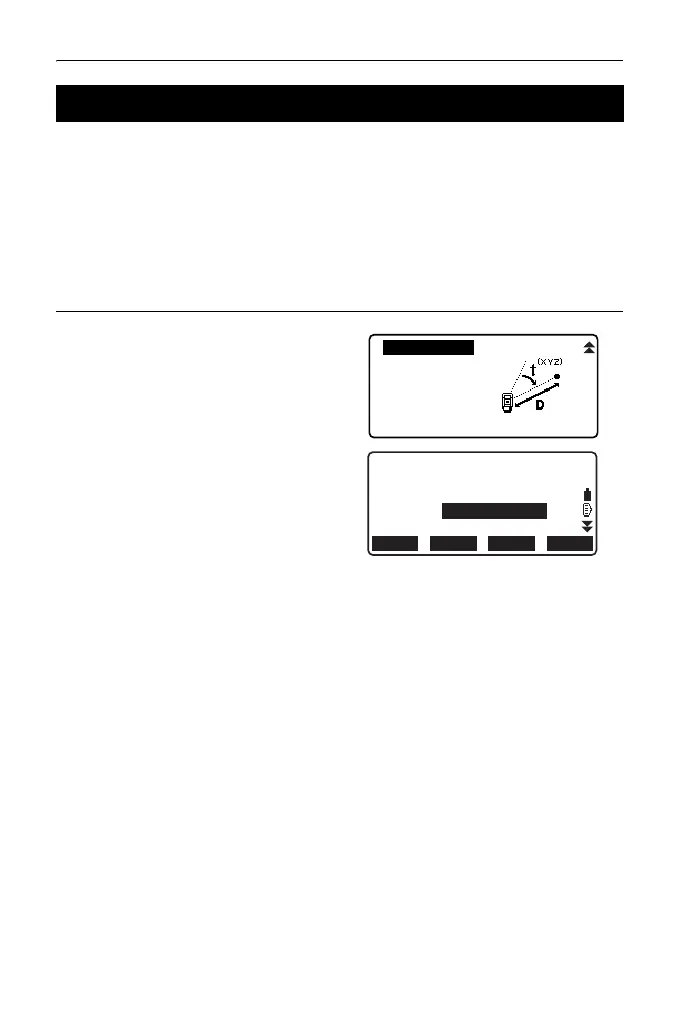
1. Press [TOPO] in the third page of
OBS mode to display <TOPO>.
Select “Dist + Coord” to display the
measurement results.
2. Sight the point and press [MEAS]
to begin the measurement.
The measurement results are
displayed.
3. Set the following items.
(1) Target height
(2) Point name
(3) Code
4. Check the input data, then press
[REC].
5. Press {ESC} to quit measurement
and restore <TOPO>.
28.6 Recording Distance and Coordinate Data
Dist + Coord
Note
View
Deletion
OFFSET
REC
AUTO
MEAS
N
E
Z
HR
PT
0.051
-0.004
1.486
0.000m



 To Next Page