65
13. SETTING INSTRUMENT STATION
Before coordinate measurement, enter instrument station coordinates, the
instrument height, target height, and azimuth angle.
PROCEDURE
1. First measure the target height
and instrument height with a tape
measure, etc.
2. Select the calculation program
from the Observation menu. (The
explanation below is an example
of when "coordinate
measurement" is selected.)
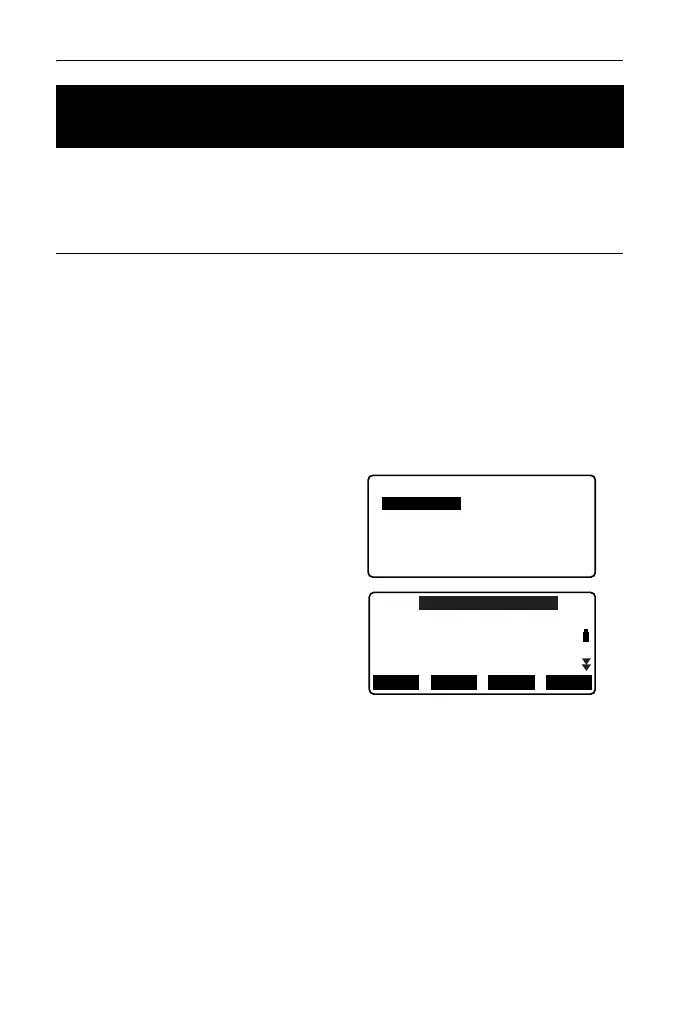
3. Select “Occ.orien.”.
Input the following data items.
(1) Instrument station coordinates
(Occupied point coordinates)
(2) Point name (PT)
(3) Instrument height (HI)
(4) Code (CD)
(5) Operator
(6) Date
(7) Time
(8) Weather
(9) Wind
(10)Temperature
(11)Air pressure
(12)Atmospheric correction factor
• When you wish to read in the
registered coordinate data,
press [LOAD].
“PROCEDURE Reading in
Registered Coordinate Data”
13.1 Entering Instrument Station Data and Azimuth
Angle
Coord.
Occ. Orien.
Observation
EDM
N0:
E0:
Z0:
PT
HI 1.200m
AUTO100000
0.000
0.000
<Null>
BS AZLOAD
BS NEZ
RESEC



 To Next Page