235
30. REGISTERING/DELETING DATA
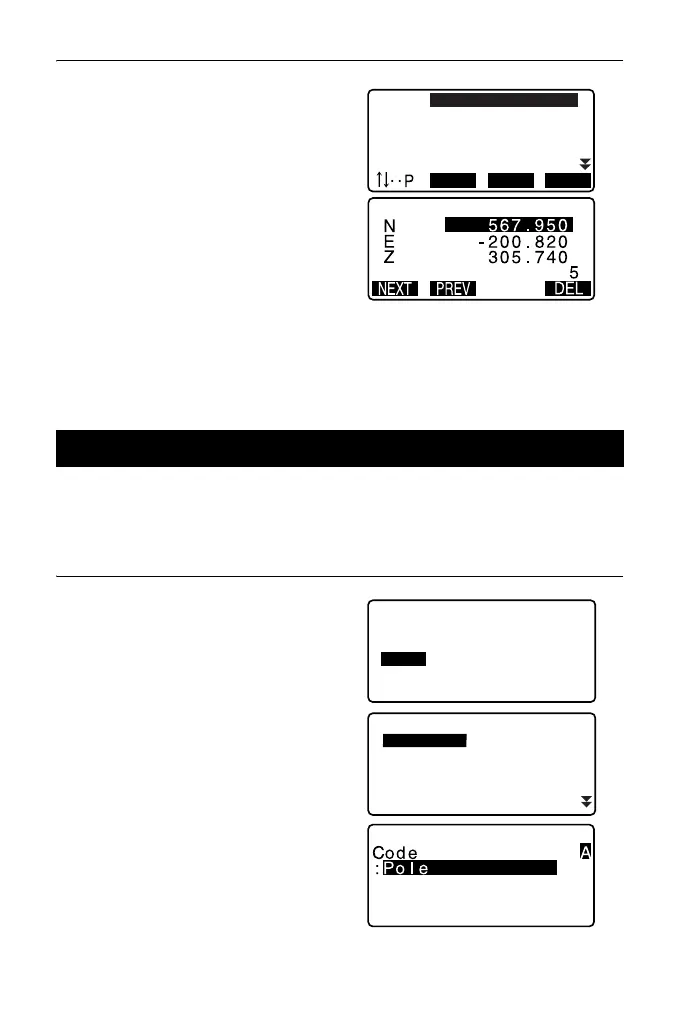
3. Select the point name to be
displayed and press {ENT}.
The coordinates of the selected
point name are displayed.
4. Press {ESC} to restore the point
name list.
Press {ESC} again to restore
<Known data>.
It is possible to save codes in memory. You can also read in codes registered in
memory when recording instrument station data or observation data.
PROCEDURE Inputting Codes
1. Select “Code” in Data Mode.
2. Select “Key in code”.
Enter the code and press {ENT}.
The code is registered and
<Code> is restored.
• Maximum code size: 16
(alphanumeric)
• Maximum number of codes
registered: 60
30.3 Registering/Deleting Codes
PT
PT
PT
PT
PT
012
013
POINT01
ABCDEF
123456789
FIRST LAST SRCH
Code
Key in code
Comms input
Comms output
Deletion
Code view



 To Next Page