30. REGISTERING/DELETING DATA
236
PROCEDURE Entering code from an external instrument
• Only the codes for communication formats compatible with "T type" can be
input.
• When registering the code, it is necessary to select "T type" in the
communication setting.
"33.1 Configuration -Config Mode-" Communication Setup
1. Connect the ES and a host computer
in advance.
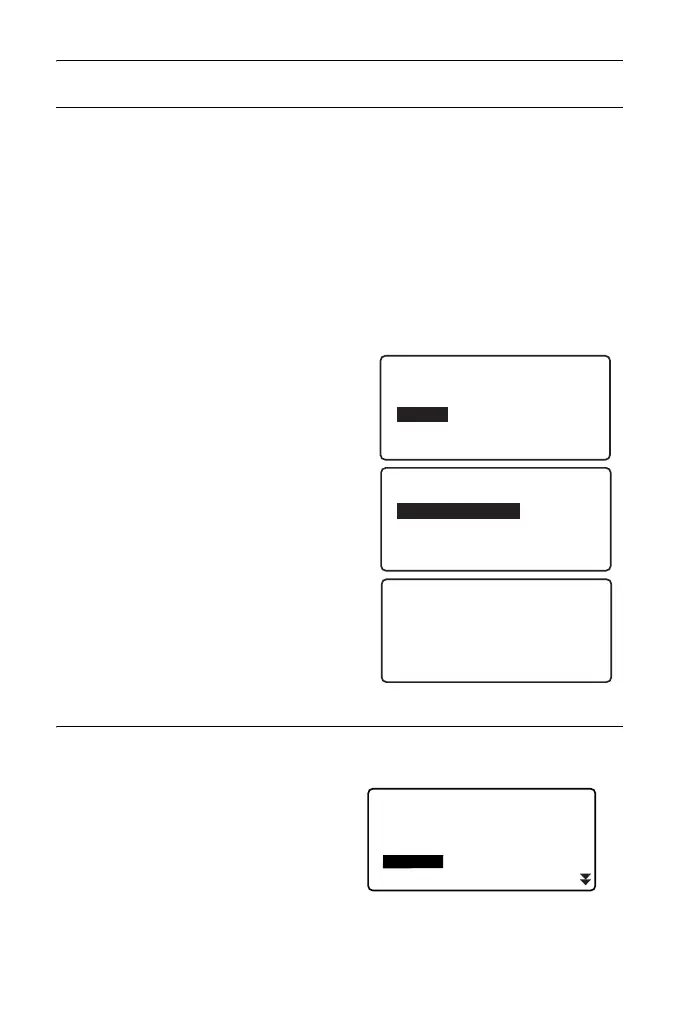
2. Select "Code" in the Data mode.
3. Select "Comms input" and press
[ENT].
Code communication starts and the
number of transmitted data is
displayed. When transfer is completed,
the screen returns to <Code>.
• Pressing {ESC} stops data transfer.
PROCEDURE Deleting codes
1. Select “Code” in Data Mode.
2. Select “Deletion”. The registered
code list is displayed.
Code
Key in code
Comms input
Comms output
Deletion
Code view
Code
Format CODE
Receiving 15
Code
Key in coord
Comms input
Comms output
Deletion
Code view



 To Next Page