19. TOPOGRAPHY OBSERVATION
126
•Backsight distance measurement (BS Obs-Dist): Yes (the distance is to be
measured in the backsight direction) / No (only the angle is measured in the
backsight direction) *
•Backsight distance check (BS DistCheck): Yes (Compares the backsight
point coordinate and the measured value for the backsight point) / No *
•If "No" is set for "RL observation", "number of distance sets" is fixed at "1".
•If "Yes" is set for "RL observation", a choice for the "number of distance sets"
is 1* / 2.
•"BS DistCheck" is set only when "Yes" is set for "BS Obs-Dist".
Begin topography observation according to the setting specified in
"19.1 Observation Setting".
PROCEDURE Topography Observation
1. Perform observation setting
following steps 1 to 6 in the
"19.1 Observation Setting".
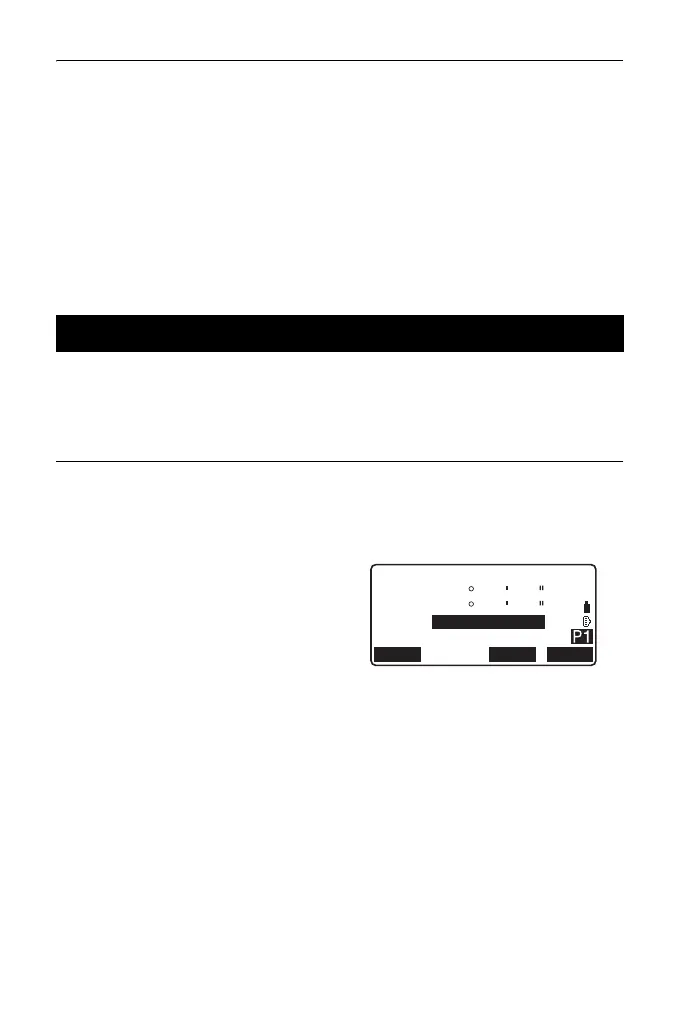
2. Measure the first direction.
Collimate the first target. Press
[ANGLE] or [MEAS] to start
measuring. In "D=", the setting
value for the Number of distance
readings (No. of Obs) is displayed.
• Target height, point name and
code can be entered before the
measurement.
• If "No" is set for (5) Backsight
distance measurement (BS Obs-
Dist), [MEAS] is not displayed
on the Topography screen.
19.2 Observation
Topography
D=1
ZA
HA-R
HR
PT
0.000m
AUTO0011
89
0
59
10
59
00
EDM MEAS
ANGLE



 To Next Page