125
19. TOPOGRAPHY OBSERVATION
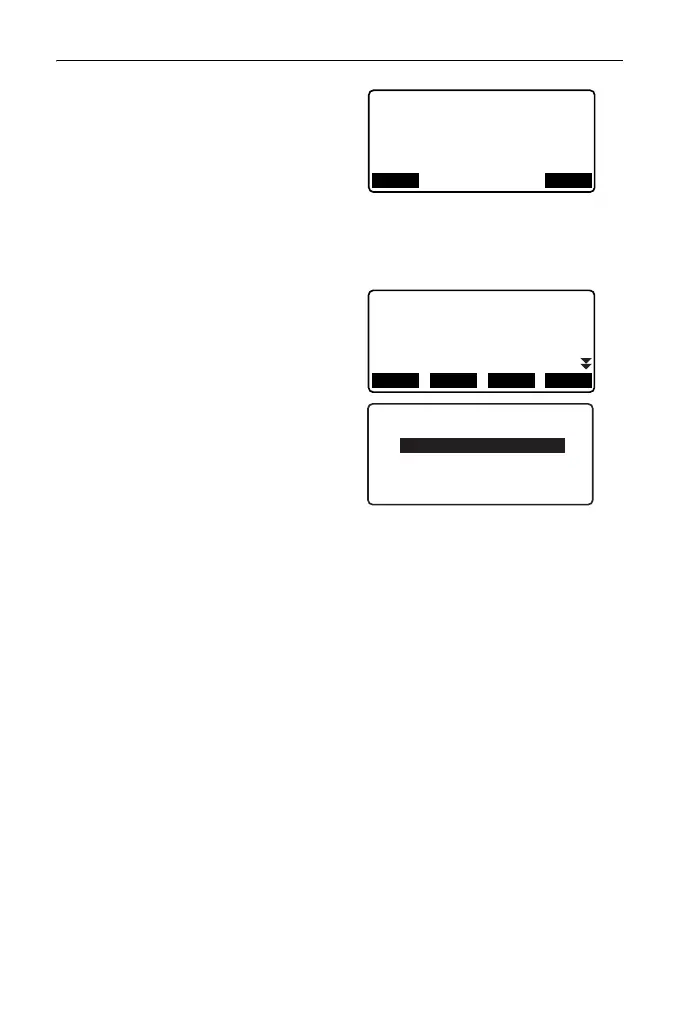
5. Enter backsight point coordinates.
Enter the coordinates for the
backsight point and press [OK].
If "No" is set for (5) Backsight
distance measurement (BS Obs-
Dist) or (6) Backsight distance
check (BS DistCheck) in the
observation setting, this screen is
not displayed.
6. Register collimation point.
Set the name for the collimation
point in advance. Press [ADD],
enter the point name and press
[OK] to register.
After registering the point to be
measured, press [OK] to move to
measurement.
"19.2 Observation"
If "No" is set for (4) Pre-entered
point registration (PreenterPt) in
the observation setting, this screen
is not displayed.
• Pressing [DEL] deletes the
selected point.
• Pressing [EDIT] enables to
change the name of the selected
point.
• Pressing [TOPO II] in the OBS mode also enables the same procedure.
[TOPO II] allocation: "33.3 Allocating Key Functions"
• Number of characters, range and choices of the setting are as follows (*is the
default setting):
•Number of distance sets: 1 * /2
•Number of distance readings: 1 * (Fixed)
•RL observation: Yes / No *
•Pre-entered point registration: Yes / No *
Topography
BS coord
NBS:
EBS:
PT AUTO1000
0.000
0.000
OKLOAD
PreenterPt
01: T-1
02: T-3
03:
04:
ADD DEL EDIT OK



 To Next Page