64
13. SETTING INSTRUMENT STATION
It is possible to set from the instrument station data to the backsight angle in a
series of procedures.
• When performing measurement in which the reduced data is output, be sure to
record the instrument station data before the measurement. If a correct
instrument station data is not recorded, it may cause output of an unintended
measurement result.
Reduced data: "31.1 Outputting JOB Data to Host Computer"
• Key input
"13.1 Entering Instrument Station Data and Azimuth Angle" Step 3
• Reading the registered coordinate
"13.1 Entering Instrument Station Data and Azimuth Angle"
PROCEDURE Reading in Registered Coordinate Data
• Calculating data by resection measurement
"13.2 Setting Instrument Station Coordinate with resection measurement"
• Inputting the backsight angle
"13.1 Entering Instrument Station Data and Azimuth Angle" Step 3
• Calculating from the backsight coordinate
"13.1 Entering Instrument Station Data and Azimuth Angle" Step 3
• Calculating the direction angle by assuming the known point (first
point) at the time of resection measurement as the backsight point.
"13.2 Setting Instrument Station Coordinate with resection measurement"
Step 9
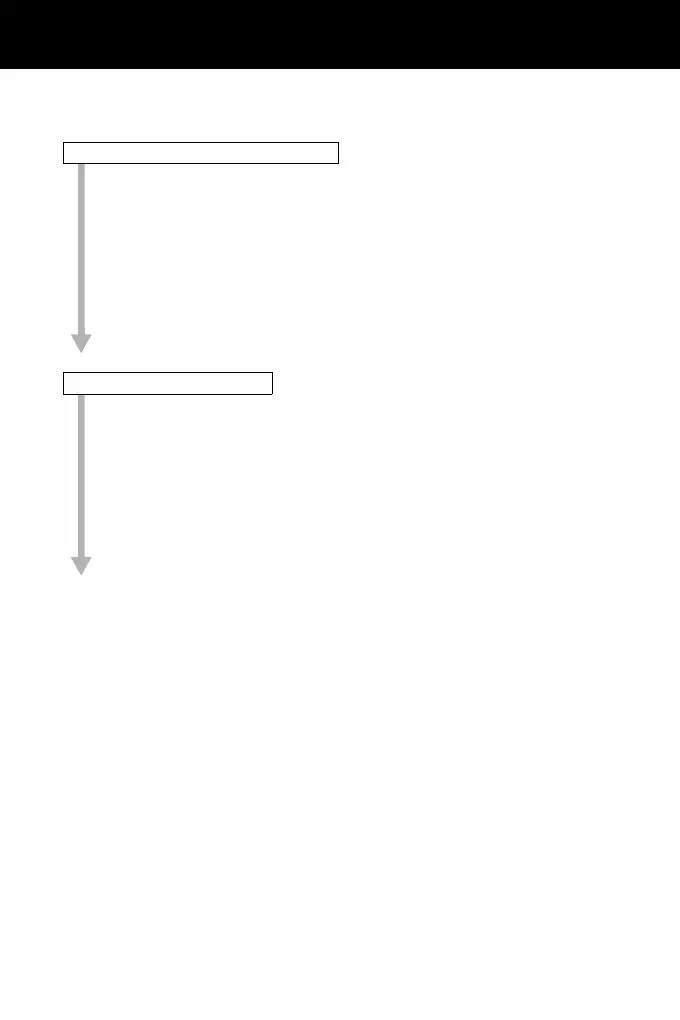
Setting Instrument Station Data
Setting backsight angle



 To Next Page