25. ROUTE SURVEYING
182
6. Press [OK] in the screen shown in
step 5 to calculate the center peg
coordinates. The coordinates are then
displayed in this screen.
7. Press {ESC} three times to finish
Parabola calculation and return to
<Road>.
• ECC-ETC curve length/ECC stationing chainage/Q stationing chainage (Set
out pt sta) input range: 0.000 to 99999.999 (m)
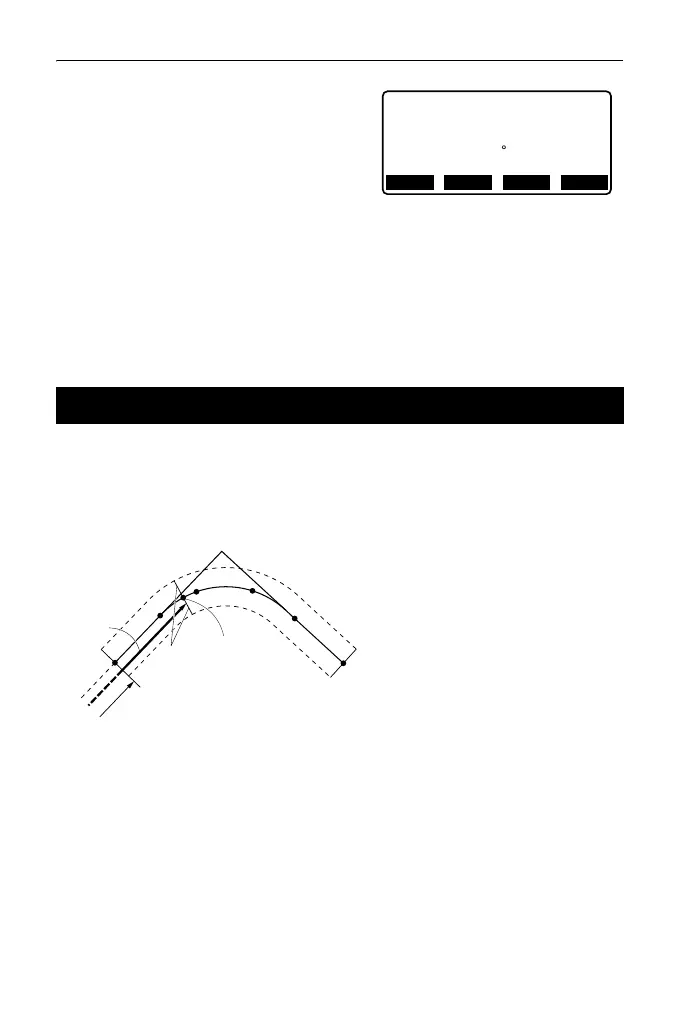
The coordinates of a cardinal point, an arbitrary centerline peg, and width pegs
can be found from the coordinates of 3 IP points and curve properties.
It is then possible to proceed with the setting-out of the cardinal point, arbitrary
center peg, and width pegs
• When parameter A1, parameter A2 and radius R have all been input a clothoid
is created and the KA1, KE1, KE2 and KA2 points can be found.
• When parameter A1 and parameter A2 have been input and radius R is "Null",
a clothoid without a transition curve is created and the KA1, KE1, and KA2
points can be found.
• When parameter A1 and parameter A2 are both "Null" and only radius R has
been input, a circular curve is created and the BC point and EC point can be
found.
25.6 3 Point Calculation
N
Parabola/CL peg
E 203905.186
475090.311
Azmth 26 58’26"
WIDTH
CENTER
REC S-O
KA1
KE1
KA2
KE2
P2
P1
P3
A2
A1
R
DL
BL
Offset
Q
BP point (P1)
IP point (P2)
EP point (P3)
Clothoid parameter A1
Clothoid parameter A2
Curve radius (R)
Route width (BL)
Route width (BL)
Parameters input:
Stationing to CL peg (DL)
Intersection angle
Direction of curve
BP-IP length
IP-EP length



 To Next Page