95
15. SETTING-OUT MEASUREMENT
To find a point where a target cannot be directly installed, perform REM setting-
out measurement.
"12.6 REM Measurement"
PROCEDURE
1. Install a target directly below or
directly above the point to be
found, then use a measuring tape
etc. to measure the target height
(height from the survey point to
the target).
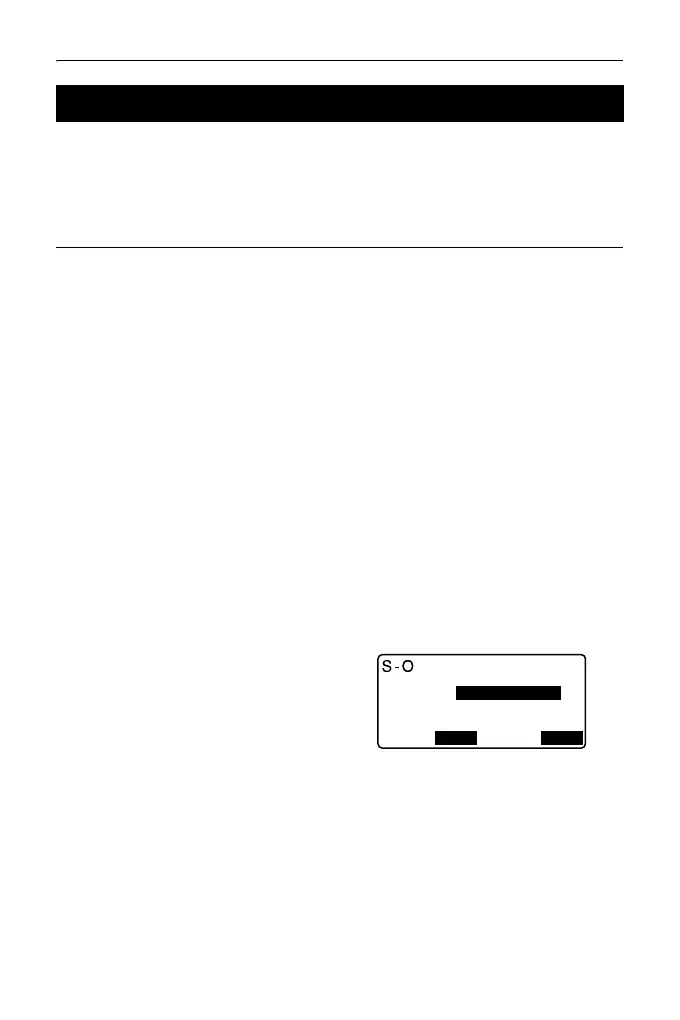
2. Press [S-O] in the OBS mode
screen to display <S-O>.
3. Enter the instrument station data.
"13.1 Entering Instrument
Station Data and Azimuth
Angle "
4. Select “S-O data” and press
[DISP] until <S-O Ht.> is
displayed.
5. Input height from the survey point
to the position to be set out in “SO
dist”.
6. After inputting the data, press
[OK].
• The tilt screen is displayed if the
instrument is out of level.
Level the instrument.
"7.2 Levelling"
15.3 REM Setting-out Measurement
3.300m
Ht.
Height:
1.000m
HR
OK
DISP



 To Next Page