247
32. USING USB MEMORY DEVICE
3. Pressing [OK] starts saving the
code. When saving is completed,
the screen returns to the list of
JOBs.
Pressing {ESC} stops saving.
The known point data or code previously saved in a USB memory device can be
loaded to the current JOB.
• Only coordinate records having a file format compatible with the ES can be
loaded to the ES.
Output format and command operations: "Communication manual"
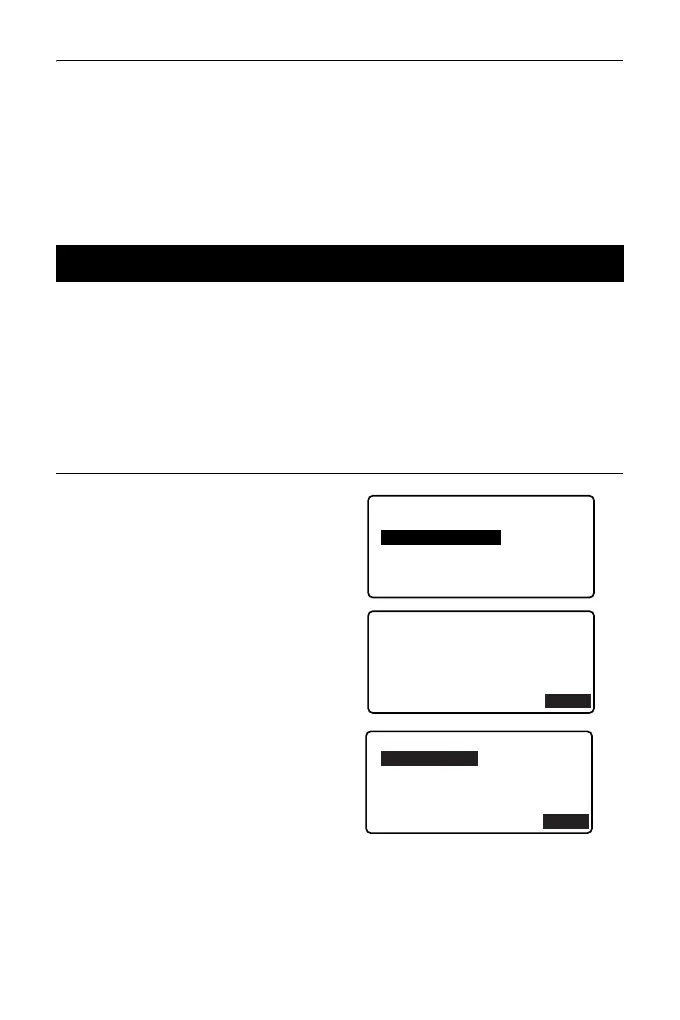
PROCEDURE Reading Known Point Data
1. Select "Load known Pt." in Data
mode.
2. Check the displayed current JOB
name, then press [OK]
3. Select the input format.
(When T type is selected)
32.4 Loading Data in USB memory device to the ES
USB
Save data
Load known PT
Save code
Load code
File status
OK
Load known PT
GTS(Coord)
SSS(Coord)



 To Next Page