33. CHANGING THE SETTINGS
268
Set password can be changed.
• No password was set when the ES was shipped.
PROCEDURE Changing password
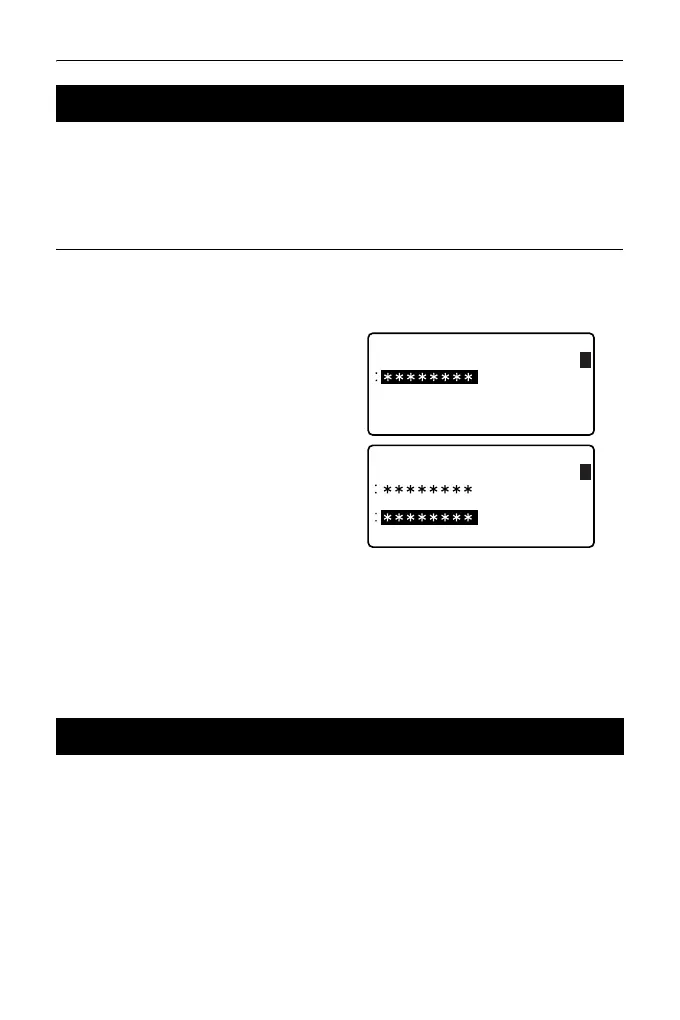
1. Select "Change Password" in
Config mode.
2. Input old password and press
{ENT}.
3. Input new password twice and
press {ENT}. The password is
changed and <Config> is
restored.
• If no password was input as new
password and {ENT} was
pressed, no password is set.
• Input range of password: 3 or more characters and 8 or fewer characters.
The following explains the two methods of restoring default settings:
Restoring set items to initial settings and turning power on. Initializing the data
and turning power on.
• Restore the following items to the initial settings when the ES was shipped.
EDM setting, Config mode settings (including softkey arrays)
About initial settings when the ES was shipped: "33.1 Configuration -
Config Mode-", "33.3 Allocating Key Functions"
33.4 Changing Password
33.5 Restoring Default Settings
Change password
Old password
1
Change password
New password
New password again
1



 To Next Page