43
10. CONNECTING TO EXTERNAL DEVICES
PROCEDURE Displaying Bluetooth information for the ES
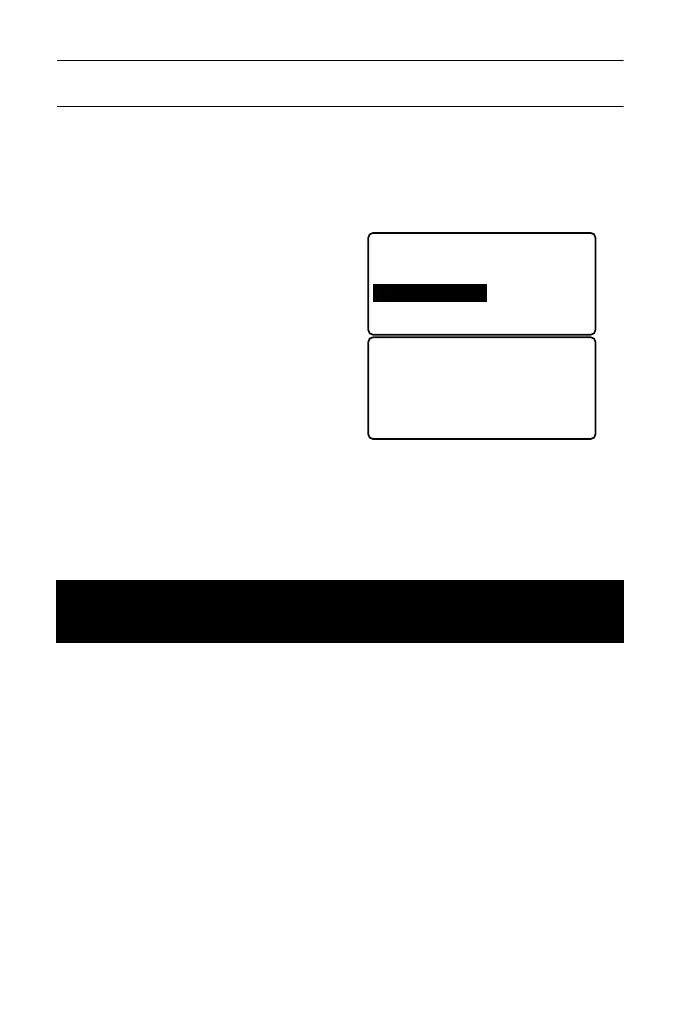
1. Select "Comms setup" in Config
mode.
2. Set "Wireless" to "Yes".
3. Select "My device info".
The Bluetooth information for the
ES is displayed. The "BD ADDR"
for the ES must be registered on
your Bluetooth device.
Bluetooth Device Address
This is a number unique to one particular Bluetooth device used to identify
devices during communication. This number consists of 12 characters
(numbers 0 to 9 and letters from A to F). Some devices may be referred to
by their Bluetooth device address.
• Bluetooth communication causes ES battery power to be depleted at a rate
higher than that for normal operation.
• Check that the companion device (data collector, computer, or cellular phone
etc.) is turned on and the relevant Bluetooth settings are complete.
• Always set the ES to "Slave" when connecting with a data collector to perform
measurements and to record the data. When the ES is set as the "Slave"
device, the establishing of a connection can only be initiated/canceled by the
companion device set as "Master".
10.2 Establishing a connection between the ES and
paired Bluetooth device
Wireless
: Yes
Bluetooth setup
Link device list
My device info
Firmware: X.X.X
BD_ADDR:
ABCDEF012345
Bluetooth ID:
XXXXXXX, XXXXXXXX



 To Next Page