12. DISTANCE MEASUREMENT
58
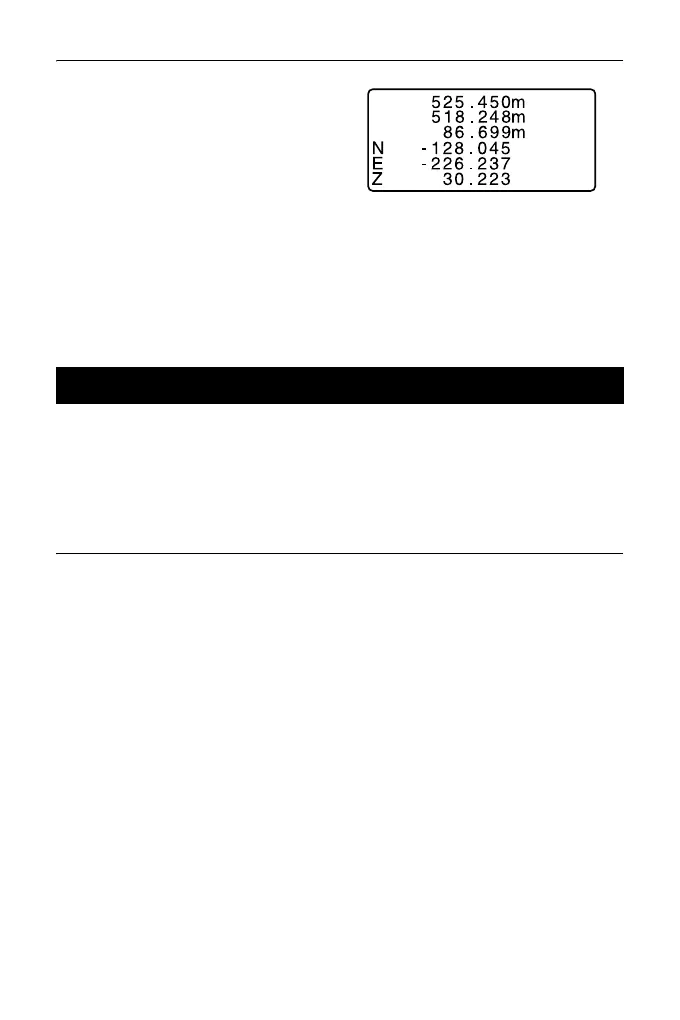
2. Press [CALL].
The stored data that is most
recently measured is displayed.
• If you have pressed [SHV]
beforehand, the distance values
are converted into the horizontal
distance, elevation difference,
and the slope distance and
recalled.
3. Press {ESC} to return to OBS mode.
The following explains distance measurement and the features used to output
measurement data to a computer or peripheral equipment.
Communication cables: "36.2 Optional accessories"
Output format and command operations: "Communication manual"
PROCEDURE
1. Connect ES and host computer.
2. Allocate the [HVDOUT-T] or
[HVDOUT-S] softkey to the OBS
mode screen.
"33.3 Allocating Key
Functions"
• Pressing the softkey outputs
data in the following format.
[HVDOUT-T]: GTS format
[HVDOUT-S]: SET format
3. Sight the target point.
12.4 Distance Measurement and Outputting the Data



 To Next Page