28. RECORDING DATA - TOPO MENU -
218
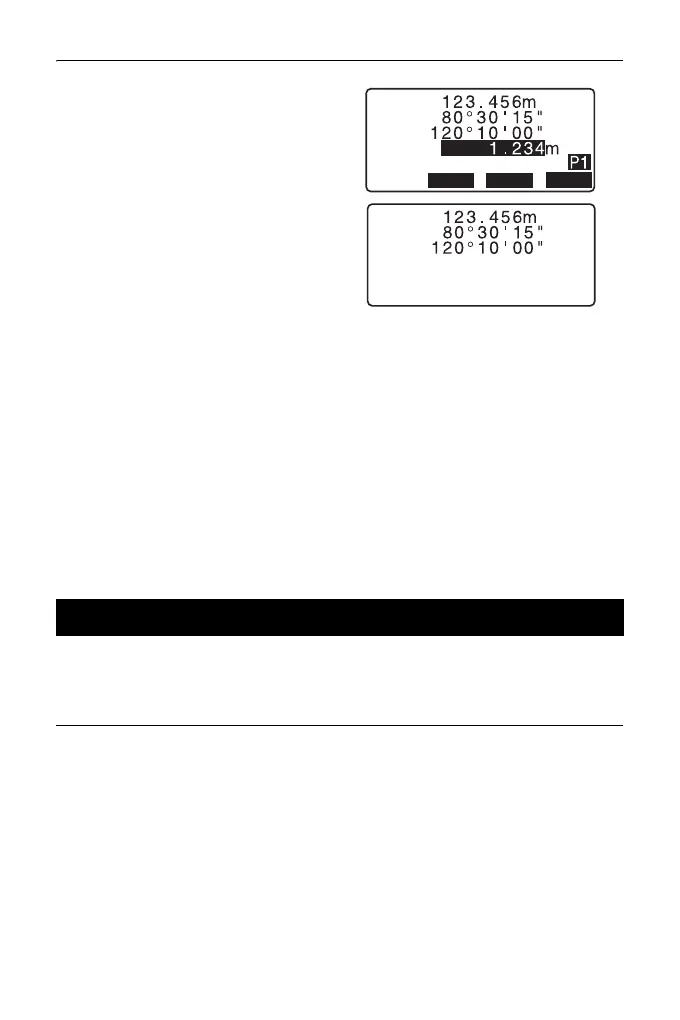
5. To continue measurement, sight
the next point, press [MEAS], then
perform steps 3 and 4 above.
•Press [AUTO] to perform
distance measurement and
automatically record the results.
[AUTO] is convenient for
recording measurement data
when target height, code and
point name are not set.
•Press [OFFSET] to offset
measurement in TOPO Mode.
6. Press {ESC} to quit measurement
and restore <TOPO>.
• In the screen displaying [AUTO], press trigger key to perform automatic
operation from distance measurement to recording.
Coordinate data can be stored in the current JOB
PROCEDURE
1. Perform coordinates
measurement in the OBS mode
screen.
"14. COORDINATE
MEASUREMENT"
28.5 Recording Coordinate Data
OFFSET
MEAS
AUTO
ZA
HA-R
HR
PT
SD



 To Next Page