237
30. REGISTERING/DELETING DATA
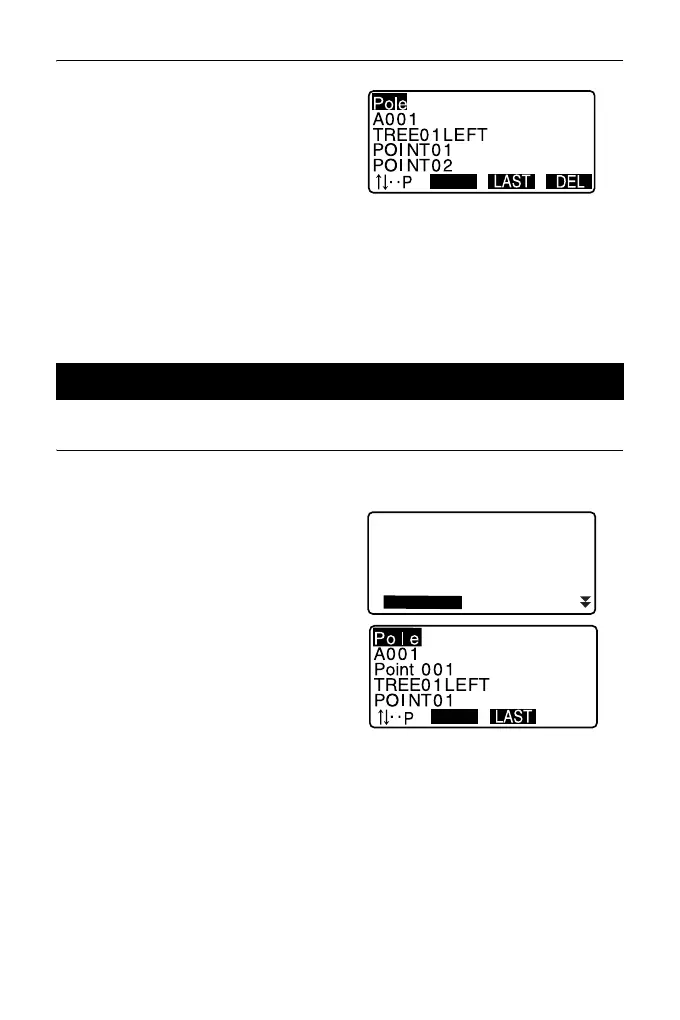
3. Align the cursor with the code to
be deleted and press [DEL].
The designated code is deleted.
4. Press {ESC} to restore <Code>.
• If you select “Clear list” in step 2 and then press [YES], all registered codes are
deleted.
PROCEDURE
1. Select “Code” in Data Mode.
2. Select “Code view”.
The registered code list is
displayed.
3. Press {ESC} to restore <Code>.
30.4 Reviewing Codes
Code
Key in coord
Deletion
Comms input
Comms output
Code view



 To Next Page