30. REGISTERING/DELETING DATA
234
5. Press {ESC} to quit the point
name list and return to <Known
data>.
PROCEDURE
Clearing all coordinate data at once (initialization)
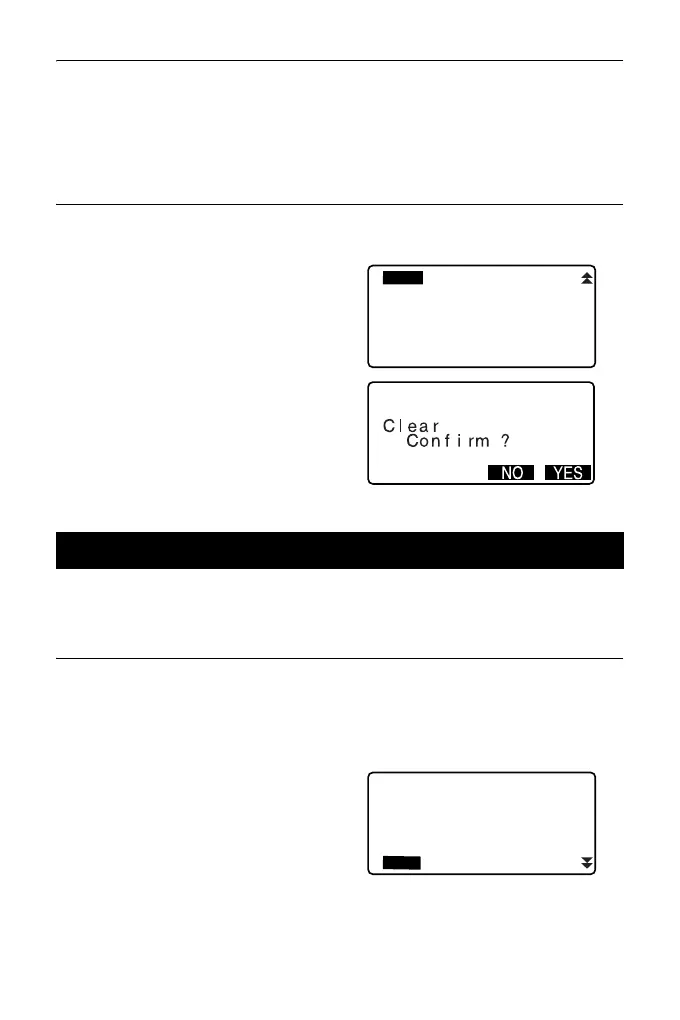
1. Select “Known data” in Data
Mode.
2. Select “Clear” and press {ENT}.
3. Press [YES].
<Known data> is restored.
It is possible to display all the coordinate data within the current JOB.
PROCEDURE
1. Select “Known data” in Data
Mode.
• Current JOB name is displayed.
2. Select “View”.
The point name list is displayed.
30.2 Reviewing Known Point Data
Known data
Job.JOB1
Key in coord
Deletion
Comms input
View



 To Next Page