221
28. RECORDING DATA - TOPO MENU -
This procedure prepares notes data and records it in the current JOB.
PROCEDURE
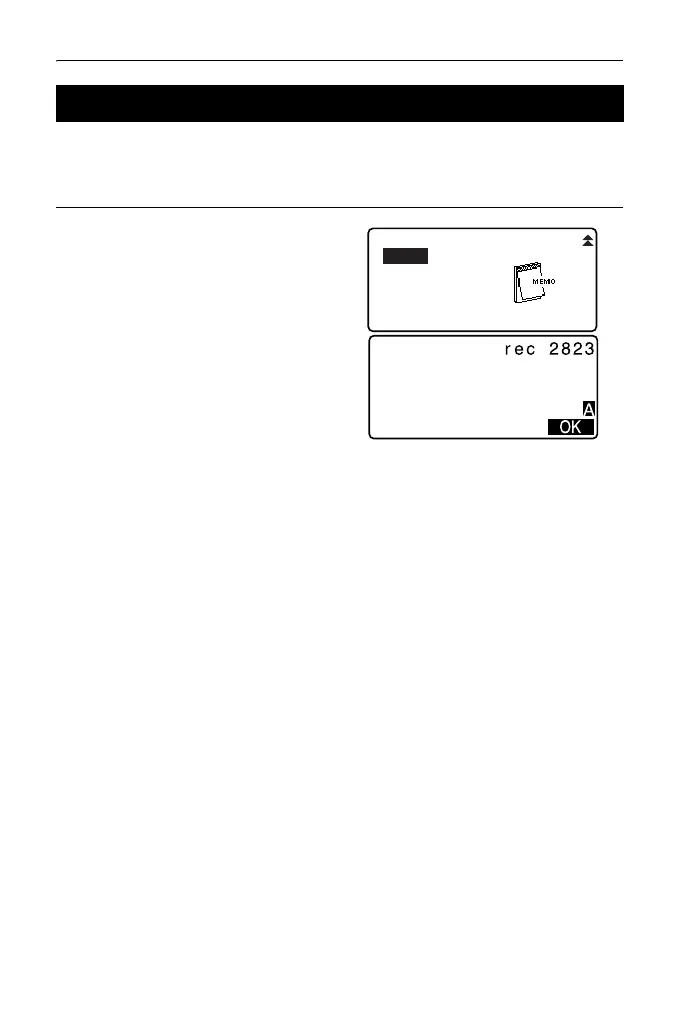
1. Press [TOPO] in the third page of
OBS mode to display <TOPO>.
Select “Note”.
2. Enter the note data.
3. After inputting the note data, press
[OK] to return to <TOPO>.
• Maximum note length: 60 characters (alphanumeric)
28.7 Recording Notes
Dist + Coord
Note
View
Deletion



 To Next Page