32. USING USB MEMORY DEVICE
244
1. Press [USB] on the status screen.
2. Select "T type" or "S type".
Press [ENT] after selection.
• Select either "T type" or "S type"
according to the communication
format used.
"33.1 Configuration -Config
Mode-" Communication Setup
The measurement data (distance, angle, coordinate), known point data input on
the ES, station point data and note stored in a JOB of the ES can be saved to the
USB memory device. Also, if multiple JOBs are selected, they can be saved to
one file.
• When selecting S type, the data is saved as a file with an extension
corresponding to the output communication format.
• When selecting T type, a file extension is automatically set corresponding to the
output communication format, but it can be deleted or changed to any other
extension.
PROCEDURE Data saving
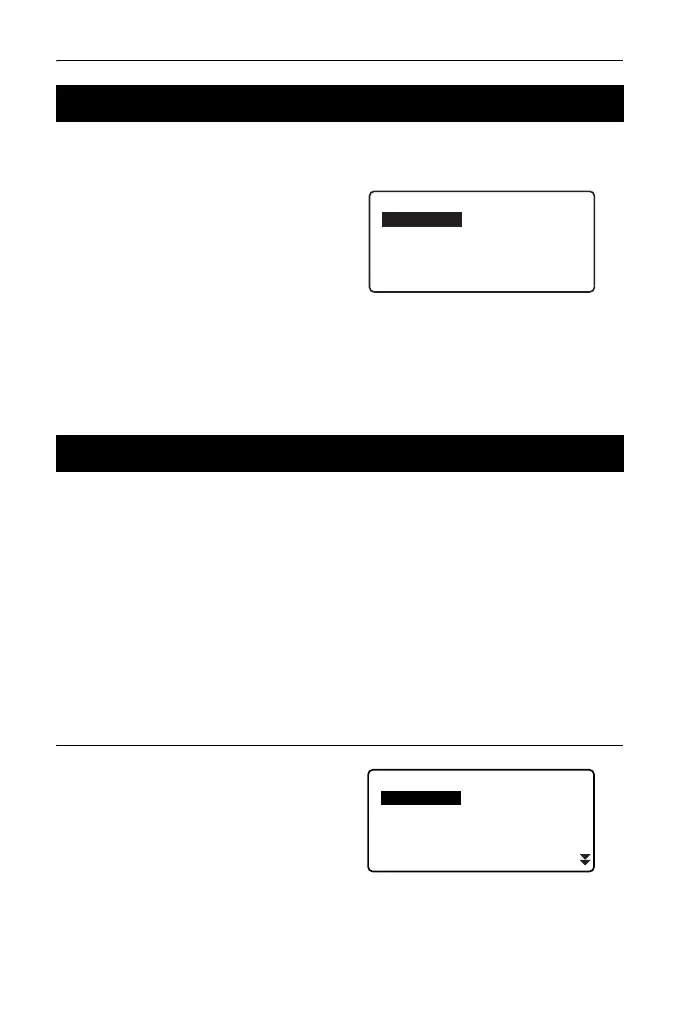
1. Select "Save data" in USB mode.
32.2 Selecting T type/S type
32.3 Storing JOB Data to USB Memory device
USB
Save data
Load known PT
Save code
Load code
File status



 To Next Page