10. CONNECTING TO EXTERNAL DEVICES
42
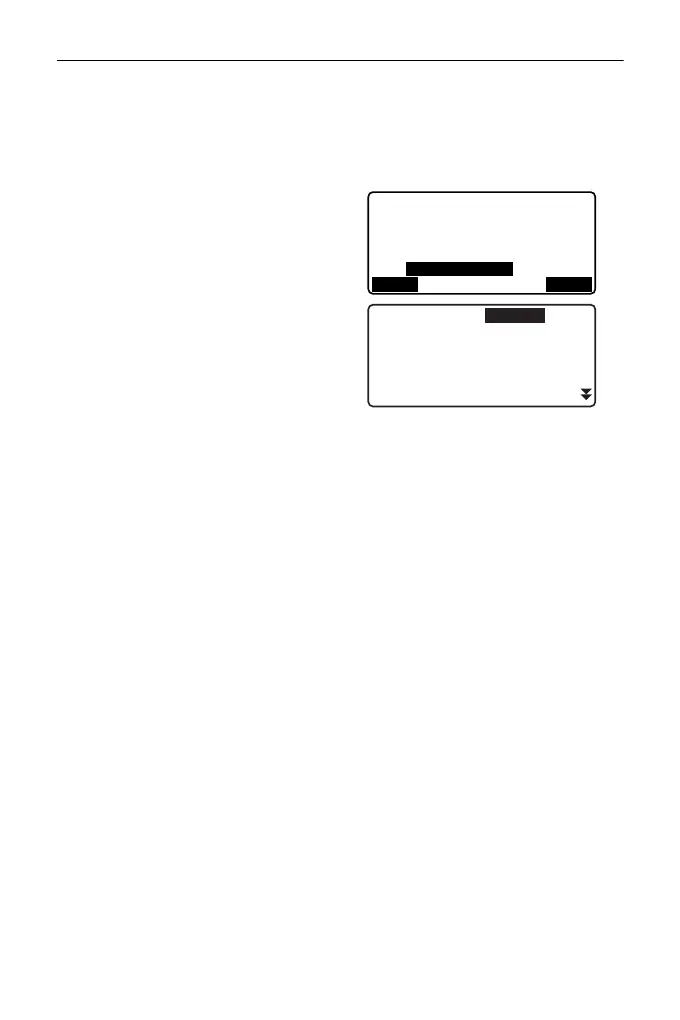
• When registering a device
manually, input the Bluetooth
address in 12 hexadecimal
digits. (":" is unnecessary).
7. Press [REG] to complete the
registration.
8. Set "Mode" to "Master".
9. Select a device to communicate
from the registered devices.
10. Set "Authentication". Select "Yes"
or "No".
“PROCEDURE Set Bluetooth
communication mode to
"Slave"” step 3 to 4
11. Press {ENT} to complete setting.
Proceed to Bluetooth
communication.
""10.2 Establishing a
connection between the ES
and paired Bluetooth device"
Device registration
Name:
DEVICE1
BD_ADDR:
0123456789AB
REG
SEARCH
Master
Mode
Authentication
: Yes
Passkey
:
* * * *
:
DEVICE1
Link
:
Check sum
: No



 To Next Page