13. SETTING INSTRUMENT STATION
66
•Press [RESEC] to measure
instrument station coordinates
by resection measurement.
"13.2 Setting Instrument
Station Coordinate with
resection measurement"
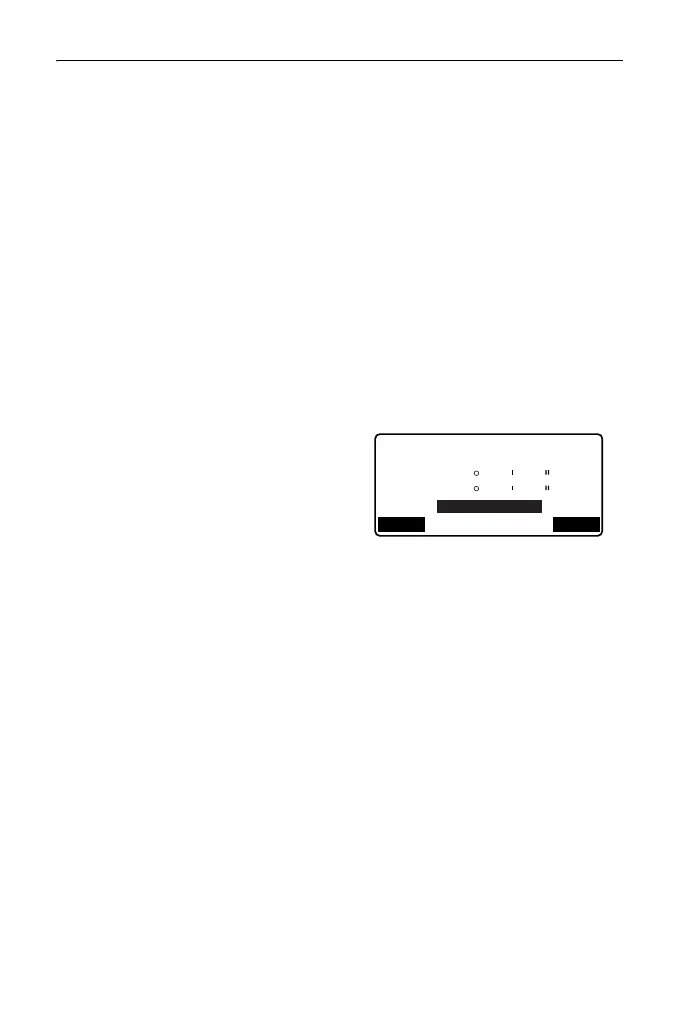
4. Press [BS AZ] in the screen of
step 3 to proceed to azimuth angle
input.
•Press [BS NEZ] to calculate
azimuth angle from backsight
coordinates.
"13.1.1 Setting Azimuth Angle
from Backsight Coordinates"
5. Input azimuth angle and press
[OK] to set the input values.
<Coord> is displayed again.
•Press [REC] to record the
following data.
Instrument station data, RED
(Reduced) data, backsight
station data, and angle
measurement data
Press [OK] to set the input
values and return to <Coord>.
• Maximum point name size: 14 (alphanumeric)
• Input range of instrument height: -9999.999 to 9999.999 (m)
• Maximum code/operator size: 16 (alphanumeric)
• Weather selection: Fine, Cloudy, Light rain, Rain, Snow
• Wind selection: Calm, Gentle, Light, Strong, Very strong
• Temperature range: -35 to 60 (°C) (in 1°C step)/-31 to 140 (°F) (in 1°F step)
• Air pressure range: 500 to 1400 (hPa) (in 1 hPa step)/375 to 1050 (mmHg)
(in 1mmHg step)/14.8 to 41.3 (inch Hg) (in 0.1 inch Hg step)
• Atmospheric correction factor range (ppm): -499 to 499
ZA
HA-R
HA-R
40
40
23
42
13
15
REC OK
Backsight
Take BS



 To Next Page