133
20. OFFSET MEASUREMENT
PROCEDURE
1. Set the offset points close to the
target point (making sure the
distance from the instrument
station to the target point and the
height of the offset points and the
target point are the same), then
use the offset points as the target.
2. Enter the instrument station data.
"13.1 Entering Instrument
Station Data and Azimuth
Angle"
• When directly calculating A1, the
ground-level coordinate of the
measured position A0:
Set the instrument and
collimation heights.
• When calculating the coordinate
of the measured position A0:
Set the instrument height only.
(Leave the collimation height at
0.)
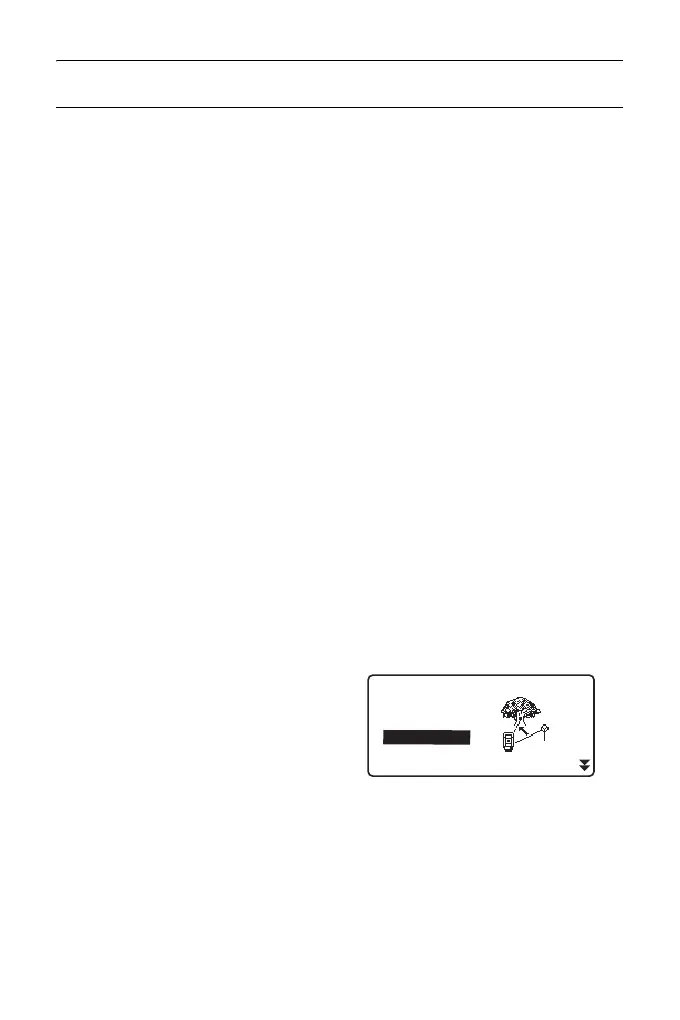
3. Press [OFFSET] in page three of
OBS mode to display <Offset>.
4. Select “OffsetAng.” in <Offset>.
• The tilt screen is displayed if the
instrument is out of level.
Level the instrument.
"7.2 Levelling"
Occ.Orien.
OffsetDist
OffsetAng.
Offset2D
Offset
Offset Plan



 To Next Page