20. OFFSET MEASUREMENT
140
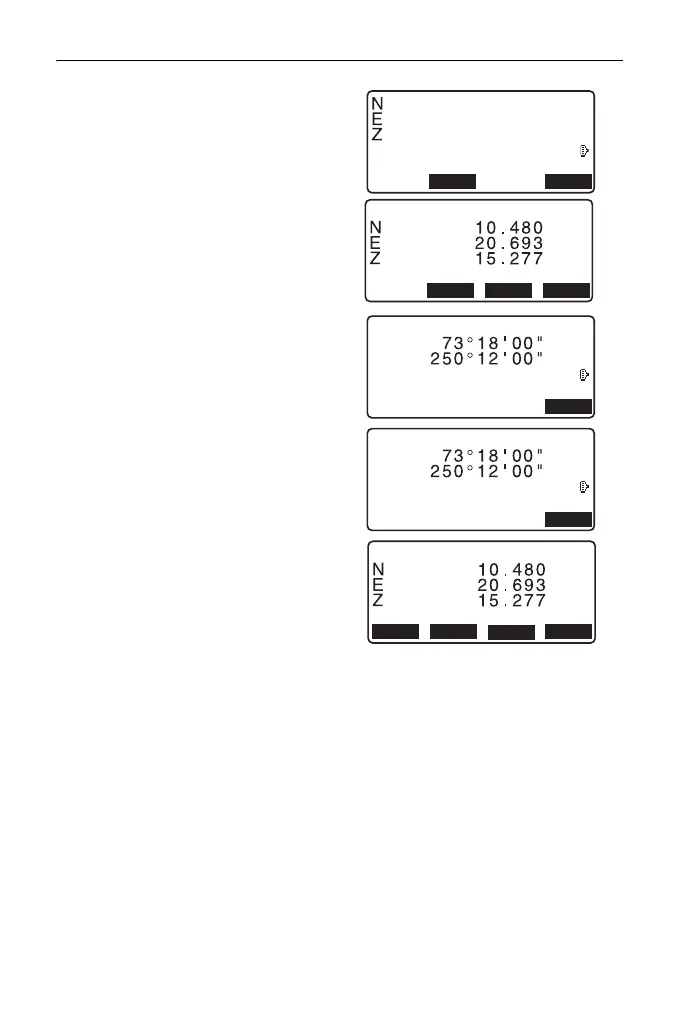
4. Sight the circumscription point
(P1) and press [MEAS] to begin
measurement.
The measurement results are
displayed. Press [YES].
• When [HVD] is pressed, display
mode is switched from
coordinates to SD, ZA, HA-R.
5. Sight the left circumscription point
(P2) and press [OK].
6. Sight the right circumscription
point (P3) and press [OK].
7. The coordinates of the target point
(the center of the column P0) are
displayed. Press [REC] to record
the calculation result.
Press [OK] in the recording screen
to return to <Offset>.
•Press [YES] to return to
<Offset> without recording the
calculation result.
•Press [NO] to return to step 3.
C
ZA
HA-R
OK
Meas. Left Pt.OK?
C
ZA
HA-R
OK
Meas. Right Pt. OK?



 To Next Page