151
22. SURFACE AREA CALCULATION
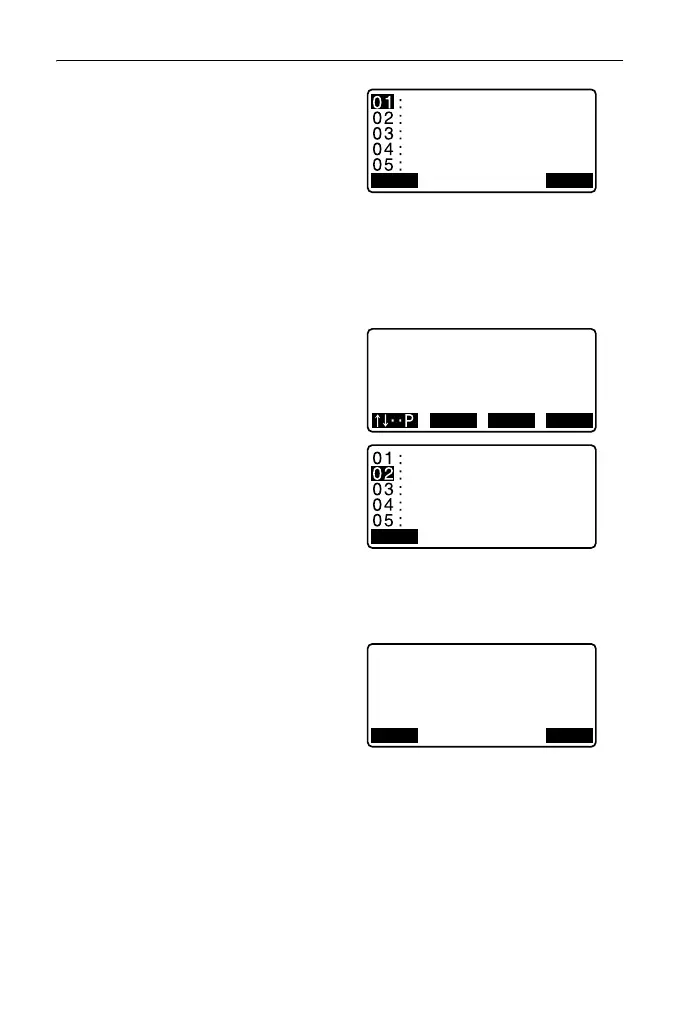
4. Press [LOAD] to display the list of
coordinate data.
PT : Known point date
saved in the current
JOB or in the
Coordinate Search
JOB.
Crd./ Occ: Coordinate data saved
in the current JOB or in
the Coordinate Search
JOB.
5. Select the first point in the list and
press {ENT}.
The coordinates of the first point is
set as “Pt.001”.
6. Repeat steps 4 to 5 until all points
have been read in.
Points on an enclosed area are
read in a clockwise or
counterclockwise direction.
After all known points necessary to
calculate the surface area have
been observed, [CALC] is
displayed.
7. Press [CALC] to display the
calculated area.
8. Press [REC] in the screen of Step
7 to record results and return to
<Menu>.
Press [OK] to return to <Menu>
without recording results.
• It is also possible to perform area calculation by pressing [AREA] when
allocated to the OBS mode screen.
Allocating [AREA]: "33.3 Allocating Key Functions"
Pt.001
Pt.002
Pt.004
Pt.101
Pt.102
Pt.
Pt.
Pt.
Pt.
Pt.
FIRST LAST SRCH
PT 3
SArea 468.064m
2
0.0468ha
431.055m
2
0.0431ha
HArea
REC OK



 To Next Page