25. ROUTE SURVEYING
180
4. Input the coordinates of the IP point,
then press [OK].
• The azimuth angle to the IP point can
be set by pressing [AZMTH] on the
second page. Press [COORD] to
return to coordinate input.
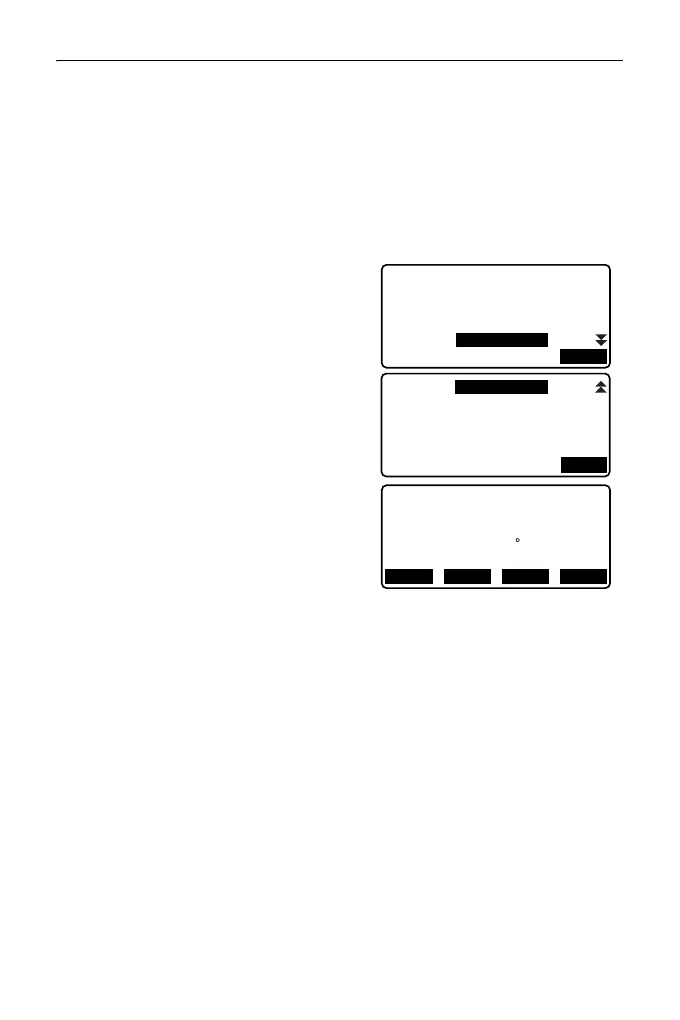
5. Enter the curve direction, parameter
X, radius, offset, and stationing
chainage.
6. Press [OK] in the screen shown in
step 5 to calculate the center peg
coordinates. The coordinates are then
displayed in this screen.
7. Press {ESC} three times to finish
Parabola calculation and return to
<Road>.
• Press [WIDTH] to move to the width
peg setting screen.
"25.2 Straight Line Calculation"
• The center peg can be set-out by
pressing [CENTER].
"15. SETTING-OUT
MEASUREMENT"
• Curve direction: right/left
• Parameter X/Radius input range: 0.000 to 9999.999 (m)
• Station offset/Stationing chainage input range:0.000 to 99999.999 (m)
Direct.
Parabola/CL peg
Radius
Para X
St. ofs
Right
0.000 m
800.000m
133.000m
OK
N
Parabola/CL peg
E 203648.215
472365.620
Azmth 0 46’03"
WIDTH
CENTER
REC S-O



 To Next Page