223
28. RECORDING DATA - TOPO MENU -
• [] = Use {
}/{} to move
from page to page.
• [...P] = Use {
}/{} to select
individual point.
•Press [FIRST] to display first
data.
•Press [LAST] to display last
data.
•Press [SRCH] to search for point
name. Input the point name after
"PT".
The search may take time if
many data are registered.
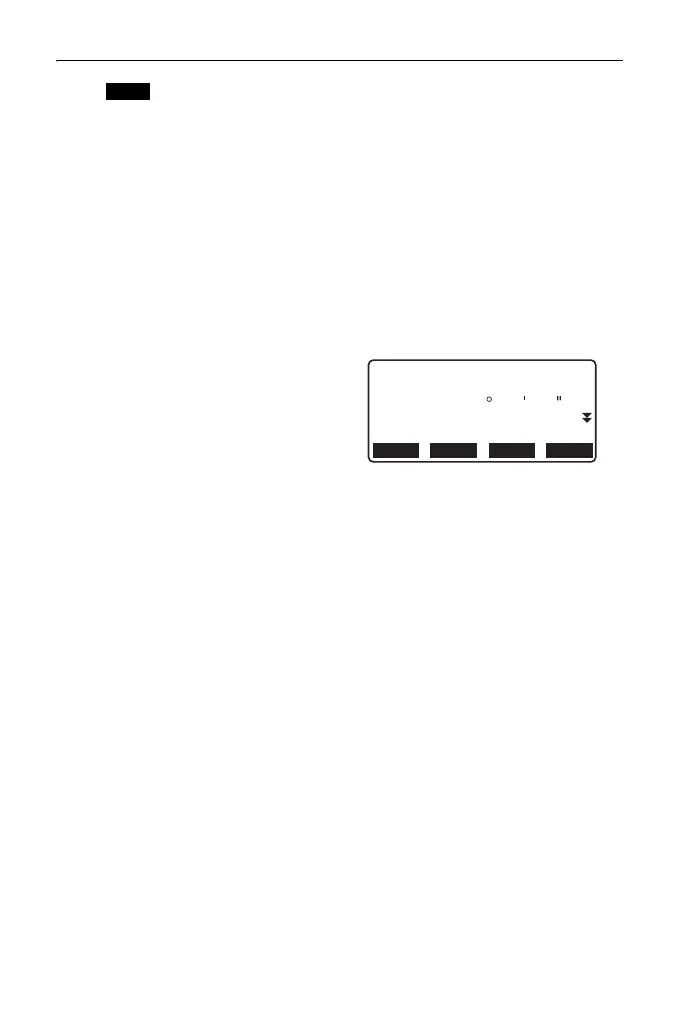
•Press [RED] to display the
reduced data screen shown at
right.
Press [OBS] to return to the
previous screen.
3. Press {ESC} to conclude detailed
display and restore the list of
points.
Press {ESC} again to restore
<TOPO>.
• If more than two points with the same point name exist in the current JOB, ES
finds the newer data only.
NEXT PREV
EDIT OBS
1234.456m
-321.123m
1010
HD
VD
Azmth
PT
HR
123.45m
12 34 56



 To Next Page