239
31. OUTPUTTING JOB DATA
4. Select "T type" or "S type".
Press [ENT] after selection.
• Select either "T type" or "S type"
according to the communication
format used.
"33.1 Configuration -Config
Mode-" Communication
Setup
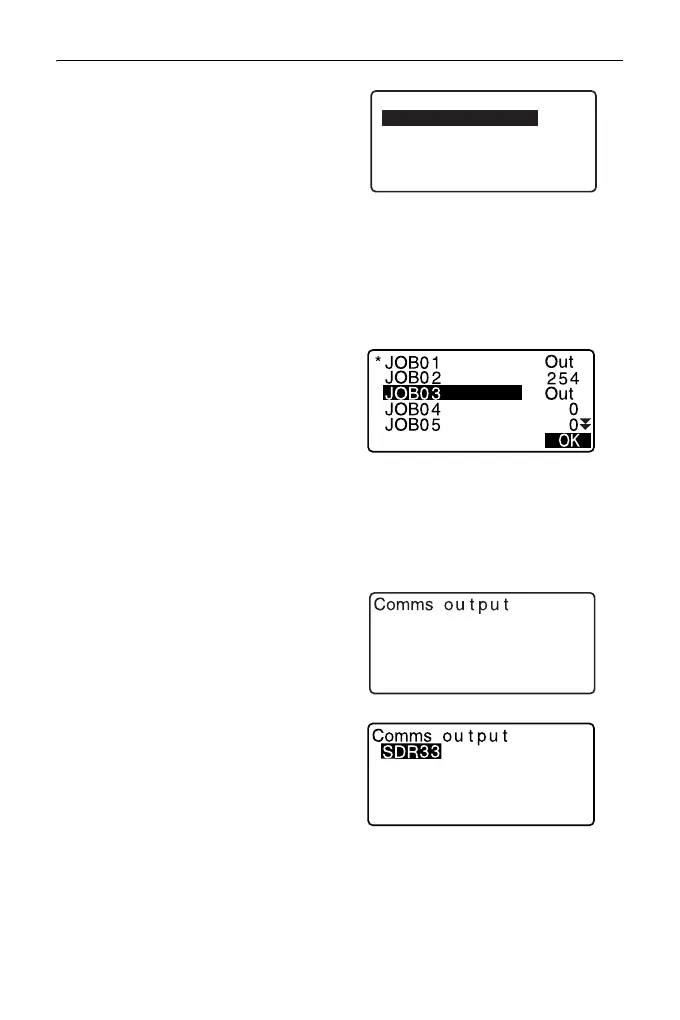
5. Select the JOB to be output and
press {ENT}.
“Out” appears to the right of the
JOB selected. You can select as
many JOBs as you want.
• “*” means the JOB has not been
output to an external device yet.
6. Press [OK].
7. Select the output format and press
{ENT}.
Comms output
T type
S type
When S type is selected
When T type is selected
GTS(Obs)
GTS(Coord)
SSS(Obs)
SSS(Coord)



 To Next Page