ii
HOW TO READ THIS MANUAL
Symbols
The following conventions are used in this manual.
: Indicates precautions and important items which should be
read before operations.
: Indicates the chapter title to refer to for additional information.
: Indicates supplementary explanation.
: Indicates an explanation for a particular term or operation.
[MEAS] etc. : Indicates softkeys on the display.
{ESC} etc. : Indicates operation keys on the ES.
<S-O> etc. : Indicates screen titles.
Notes regarding manual style
• Except where stated, “ES” means ES-101/102/103/105/107.
• The ES Series is available in "standard" and "Low Temperature" models. Users
with a "Low Temperature Model" should read the additional precautions specific
to use under low temperatures.
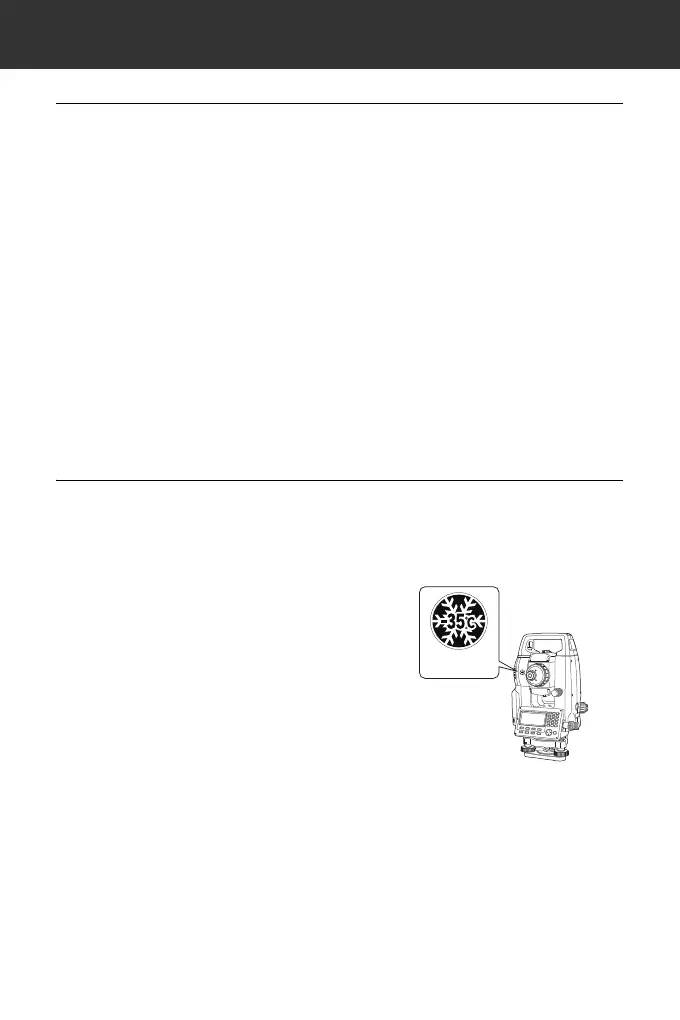
● Low Temperature Model
Low Temperature Models display the
seal shown at right.
• Do not remove the Low Temperature
Model seal from the instrument. This
seal is used for model recognition by
our engineers during maintenance.
• Screens and illustrations appearing in this manual are of ES-103 (standard
model).
• Location of softkeys in screens used in procedures is based on the factory
setting. It is possible to change the allocation of softkeys in OBS mode.
What are softkeys: "4.1 Parts of the Instrument", Softkeys allocation:
"33.3 Allocating Key Functions"
• Learn basic key operations in "5. BASIC OPERATION" before you read each
measurement procedure.
• For selecting options and inputting figures, see "5.1 Basic Key Operation".



 To Next Page