87
14. COORDINATE MEASUREMENT
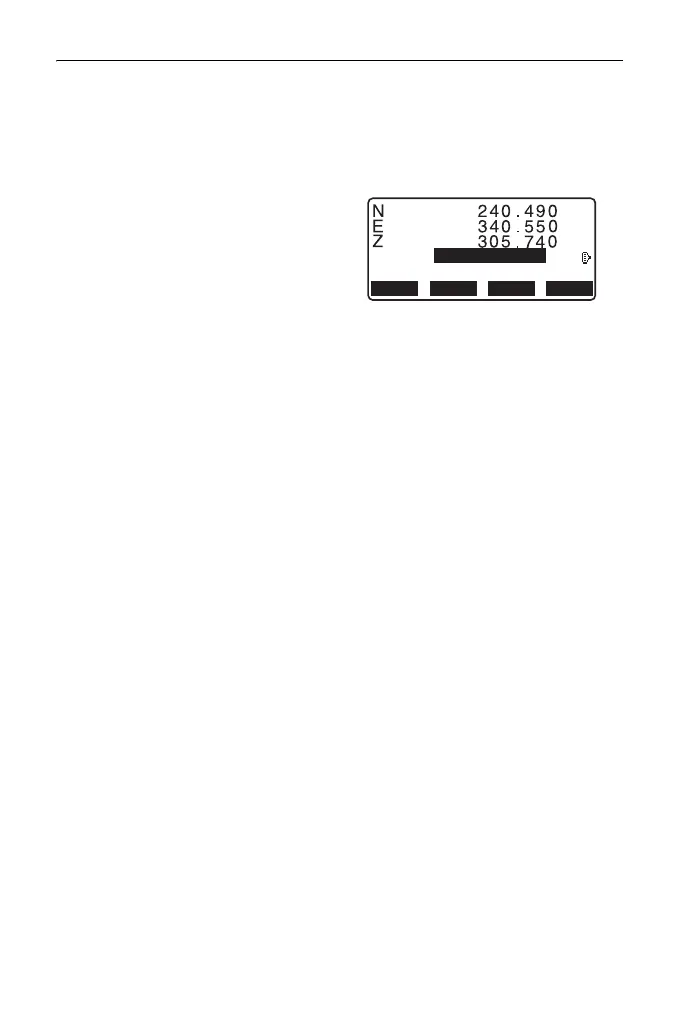
• The tilt screen is displayed if the
instrument is out of level.
Level the instrument.
"7.2 Levelling"
• Enter a target height, point name
and code as needed.
• [REC]: records measurement
results
• [AUTO]: starts measurement
and automatically records
results after [STOP] has been
pressed.
Recording method:
"28. RECORDING DATA -
TOPO MENU -"
5. Sight the next target and press
[MEAS] or [AUTO] to begin
measurement. Continue until all
targets have been measured.
• When coordinate measurement
is completed, press {ESC} to
return to <Coord>.
• In the screen displaying [AUTO], press trigger key to perform automatic
operation from distance measurement to recording.
C
REC
OFFSET
AUTO MEAS
HR m
PT
0.
000
P01



 To Next Page