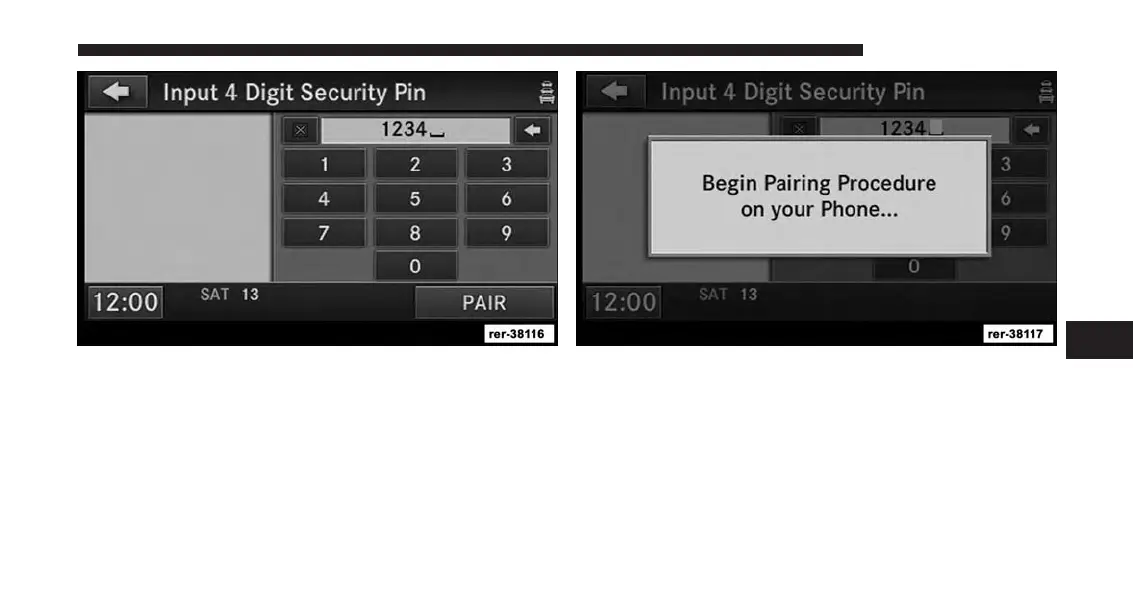
5. You can use the BACK soft-key to switch to the
previous menu.
6. Enter any four Digit Security PIN and touch the PAIR
soft-key again.
7. The pairing procedure starts. Refer to the user’s
manual of your Bluetooth® phone to complete the
procedure on your phone. During this process you
need to enter your Security Pin into the phone.
6
Uconnect® Phone 135



 To Next Page