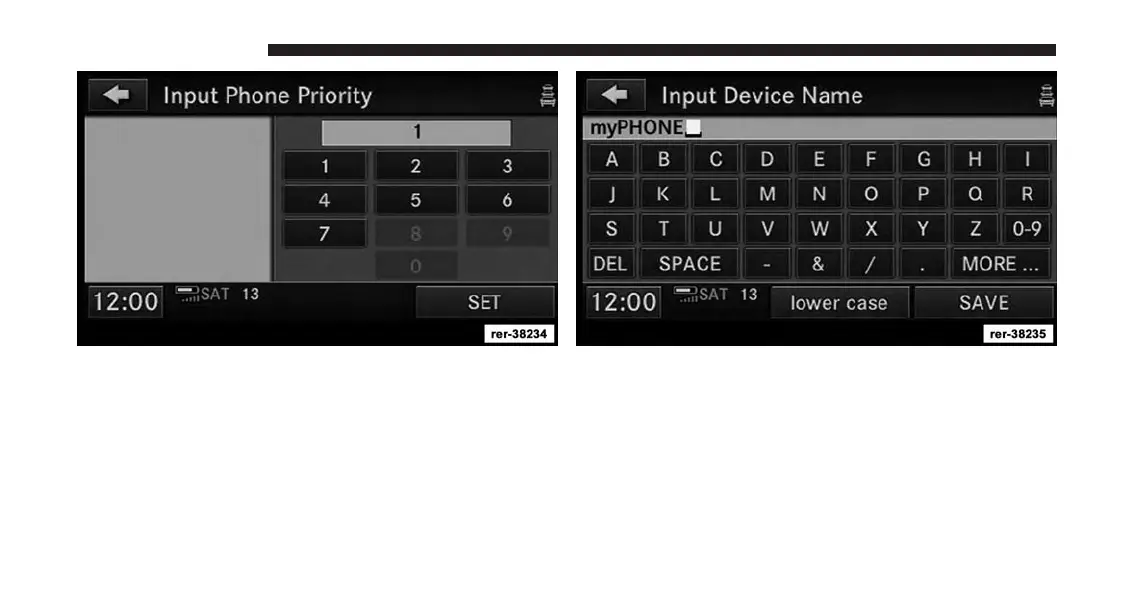
8. You will then be asked to set a priority for the paired
phone. If there is more than one paired phone avail-
able, the navigation radio will try to connect to the
phone with the highest priority setting.
9. You may now change the device name.
NOTE:
You can enter up to 20 characters.
10. Touch the SAVE soft-key to confirm the device name.
136 Uconnect® Phone



 To Next Page