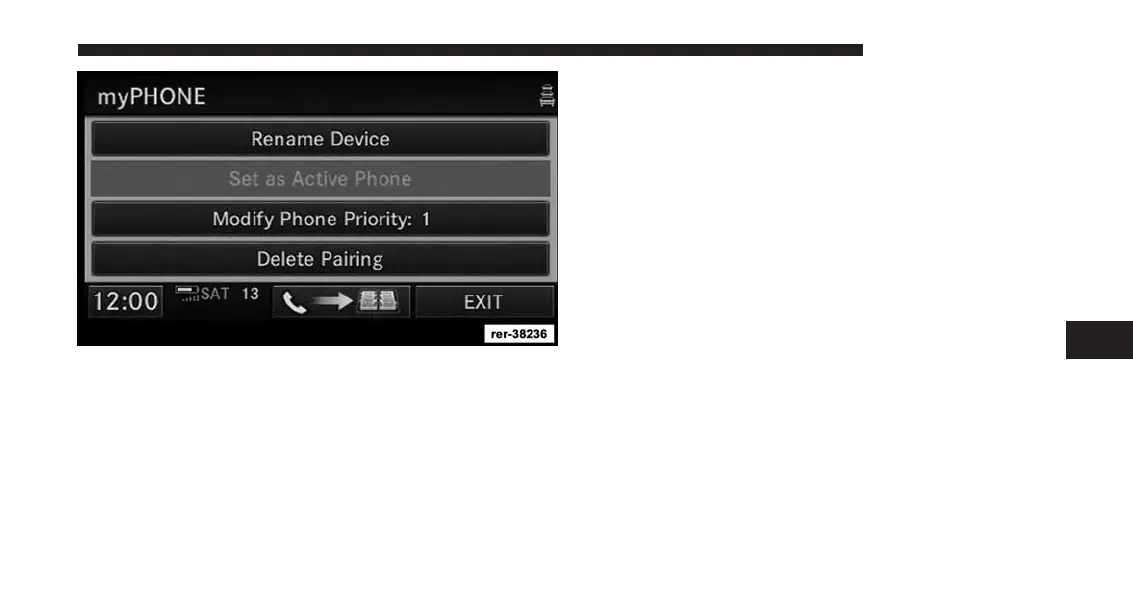
11. You may rename the device, set it as active phone, if
more than one device is connected, modify the phone
priority, or delete the pairing.
12. Touch the phonebook update soft-key to download
the phone book into the radio.
NOTE:
If the phone book download feature is supported by
your cell phone, only the first 1000 contacts will be
automatically copied to the radio. Contacts will be
downloaded from your SIM card first and then copied
from your phones default phone book. The phone book
will automatically download upon initial pairing, after
the phone is paired once you may use the download
soft-key to update the phone book in the radio.
6
Uconnect® Phone 137



 To Next Page