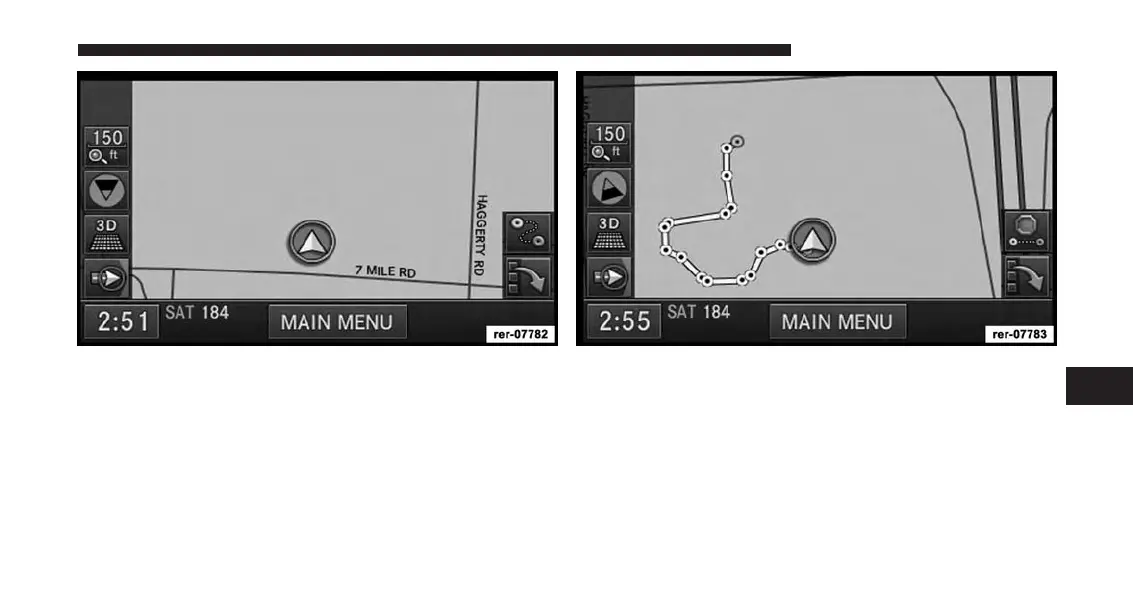
2. Touch the Record Trail soft-key in the lower right
corner of the map viewer screen to record a route.
The Record Trail soft-key will switch to the Stop Trail
soft-key and the trail appears as a yellow line on the map
screen while you drive along a route. Maneuver points
(bread crumbs) are marked as yellow dots. The start
point is marked with a green dot, the stop point is
marked with a red dot.
7
Uconnect® GPS Navigation 169



 To Next Page